Microsoft links your phone and PC for seamless Windows 11 connection
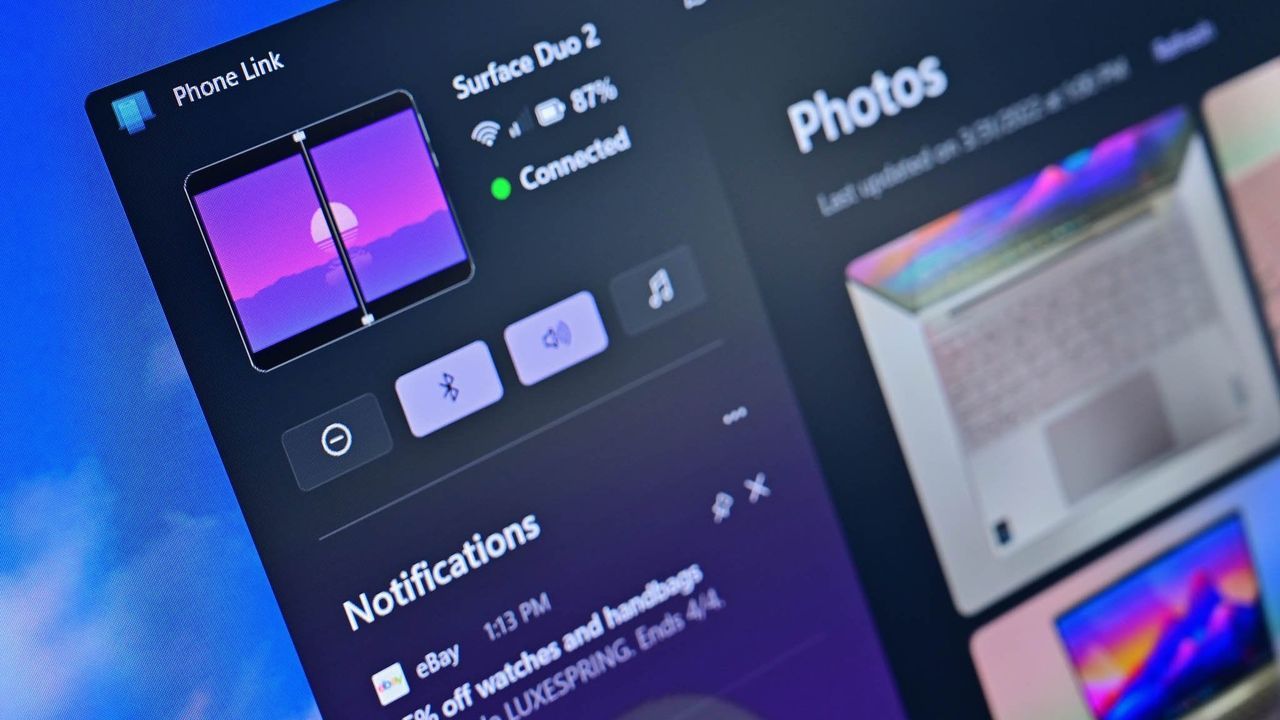
The relationship between our smartphones and our computers has always been a complex dance, but Microsoft is ready to change the choreography. The company is currently working on a significant overhaul of the Windows 11 shell and user experience, aiming to weave smartphone capabilities seamlessly into the operating system. The goal? To make your phone feel less like an external device and more like a natural extension of your PC.
This initiative focuses heavily on expanding and improving the integration provided by Phone Link, moving it from being a separate application to becoming truly native to Windows. We are talking about deep, intuitive changes that eliminate the need to constantly switch between apps to manage notifications and files.
One of the immediate improvements involves enhancing the Phone Companion in the Start menu. Users will gain greater visibility into recent phone activities, allowing them to scroll through events directly within the Start menu without ever launching the full Phone Link application. Furthermore, hovering over these activities will unlock deeper details, letting users instantly view entire messages or photos right from the overview.
To further streamline access, Microsoft is also testing a new dedicated smartphone flyout that will appear on the Taskbar in the system tray whenever your phone is connected. This feature will offer a centralized overview of your phone’s status and provide quick access to essential functions, such as toggling Do Not Disturb or sharing files directly to your device by dragging them onto the icon.
Beyond simple navigation, Microsoft is tackling historical data synchronization. A major anticipated update is the syncing of clipboard history between your phone and PC using Windows 11’s native Clipboard feature. This means no more losing track of copied items; users will have a synced list of everything they have ever copied across both devices.
Perhaps the most ambitious integration involves a standalone Messages application for Windows 11. This new app will synchronize your phone’s SMS conversations, allowing you to respond to chats and start new conversations directly from your desktop environment. It will build upon existing message features but offer a dedicated experience that can be easily pinned and launched from the Start menu.
These efforts are part of a larger vision. Microsoft has already demonstrated its commitment to deeper integration by allowing users to view their phone’s file system and photos within the File Explorer app, or utilize the phone’s camera as a seamless webcam. These upcoming features are simply the next evolution in making your smartphone an integral, effortless component of the modern Windows experience.
Buy on Amazon
Credit
