Microsoft updates Windows 11 dialog box with WinUI redesign
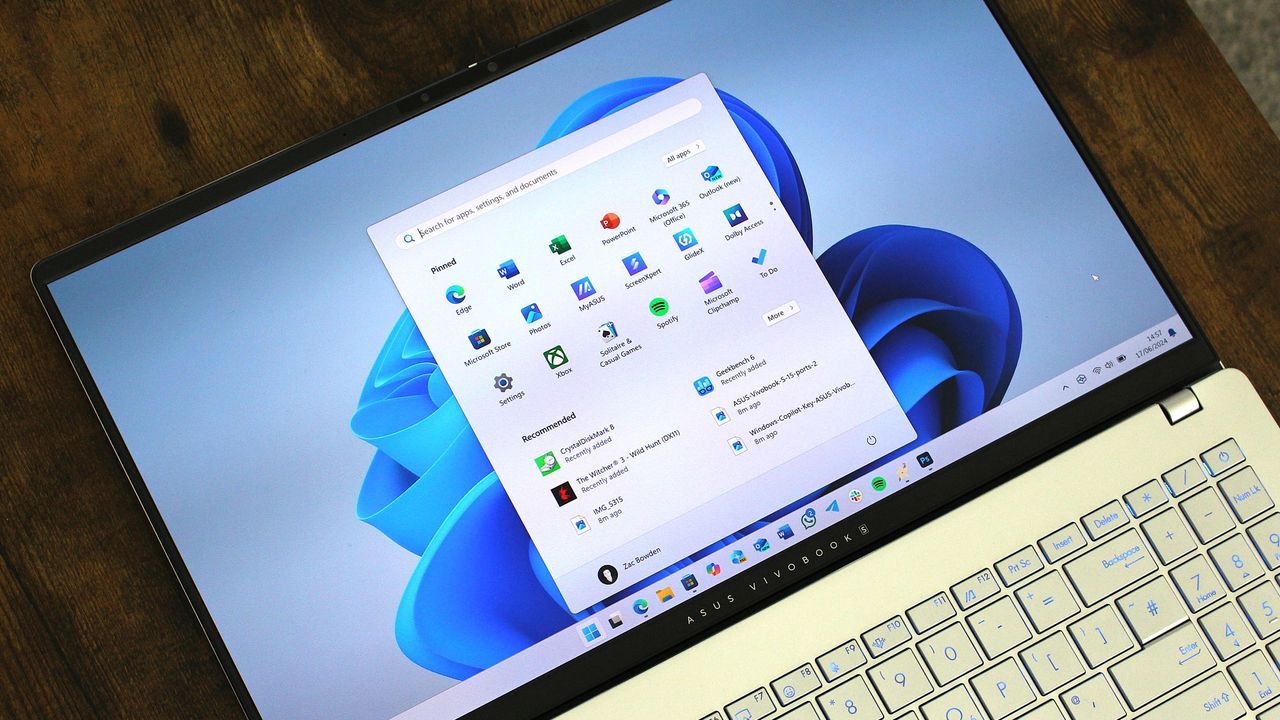
Windows 11 Gets a Modern Refresh: How Microsoft is Polishing the Details
Microsoft is clearly not resting on its laurels when it comes to Windows 11. As the operating system continues its evolution, the focus is shifting from massive overhauls to meticulously polishing the small, everyday interactions that define the user experience. The latest updates, particularly within the Windows Insider program, reveal that the focus is on delivering smoother performance and vastly improved privacy controls, proving that even the smallest dialog box can hold significant power.
One area seeing a serious facelift is the familiar AutoPlay dialog box. This small feature, which has often felt dated, has received a complete rebuild using the modern WinUI framework. This wasn’t just a cosmetic change; the upgrade brings tangible benefits, including better overall performance, improved visual consistency with the rest of Windows 11, and a much more responsive experience when dealing with text scaling and display settings.
Beyond visual polish, these refinements demonstrate Microsoft’s commitment to tackling those subtle friction points that plague daily computing. Among the most appreciated changes is the introduction of the Open apps maximized accessibility setting. This feature automatically maximizes app windows as they launch, eliminating the need for users to manually adjust window sizes. This single adjustment instantly removes a layer of everyday frustration, benefiting anyone who relies on screen readers, magnification tools, or simply prefers a full-screen workspace.
The attention to user control deepens further in the realm of privacy. Windows Insiders are now granting users unprecedented control over how desktop applications access sensitive resources. Previously, permissions for camera, microphone, and location access were managed globally. Now, users can review and control these permissions on an individual, app-by-app basis. This means greater visibility into which programs are requesting access to your data and more direct control over your privacy choices.
This granular control is a significant step toward making privacy management intuitive. Users can easily navigate to Settings > Privacy & security > Camera, Microphone, or Location to manage these permissions for every application. Furthermore, the system now prompts users for permission the first time an app requests access, ensuring that access is granted only with explicit consent.
These updates extend beyond core functionality. File Explorer has also received a handy boost, allowing users to automatically preview PDF and non-HTML files directly within the preview pane. The Microsoft Store is also seeing enhancements, supporting in-app purchases within packaged WinUI 3 applications, further integrating Microsoft’s commerce platform directly into the desktop experience. Even minor fixes, such as correcting erratic behavior in the taskbar animations and ensuring proper mouse cursor visibility, contribute to a smoother, more reliable daily operation.
Ultimately, the ongoing work on Windows 11 is a masterclass in iterative design. By focusing on these smaller, yet profoundly impactful improvements—from a modernized AutoPlay experience to granular privacy controls—Microsoft is steadily transforming Windows 11 into a more efficient, accessible, and thoughtfully designed operating system for everyone.
Buy on Amazon
Credit
