MS Forms vs Google Forms: Why I prefer MS Forms
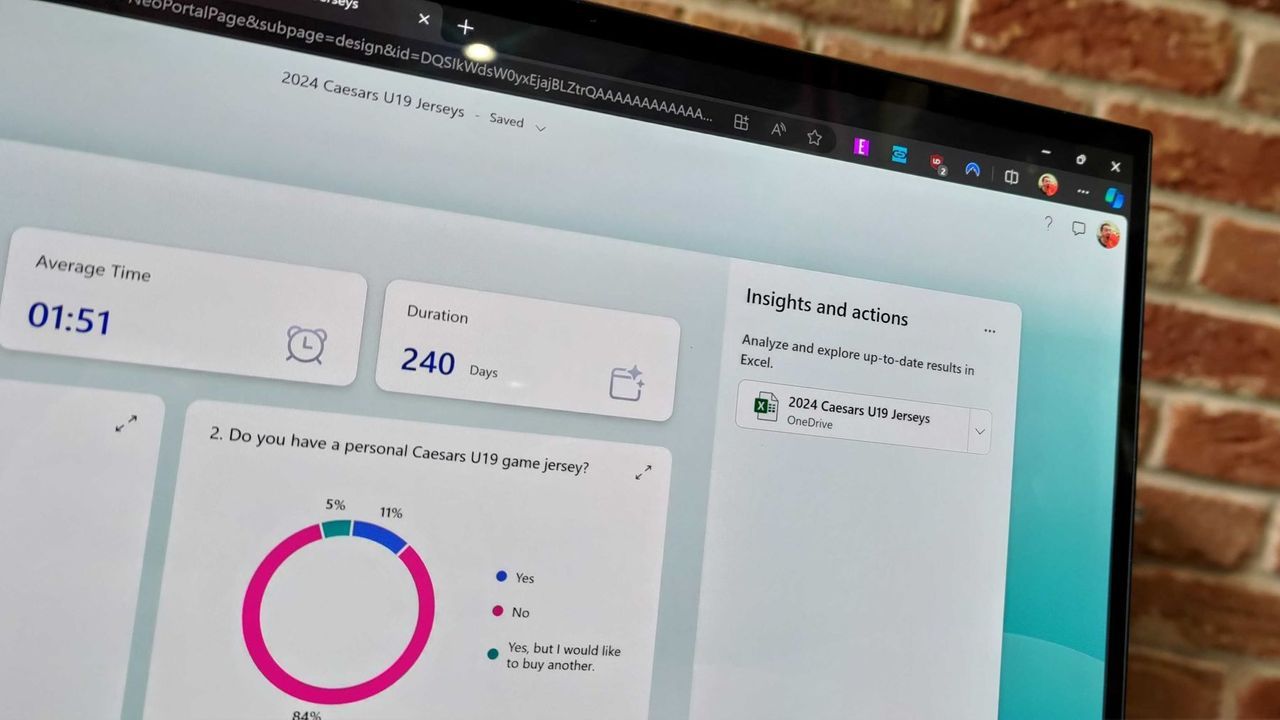
The way we gather feedback and analyze data is about to get a serious boost. Microsoft has just rolled out a major upgrade for Microsoft Forms, integrating it with Copilot, bringing powerful artificial intelligence directly into the polling and survey experience.
This integration transforms how users interact with their forms, turning a simple data collection tool into an intelligent assistant. For anyone already leveraging Copilot in Word, Excel, or PowerPoint, this means AI-powered insights can now be applied to your Forms, making the process of gathering data faster and the analysis deeper than ever before.
What does this new functionality unlock? At its core, Copilot in Microsoft Forms provides smarter suggestions and refinements. It doesn’t just wait for you to manually adjust settings; it proactively recommends ways to improve your form’s structure, clarity, and overall effectiveness, allowing users to implement edits with simple descriptions.
Beyond suggestions, the tool offers deeper analytical capabilities. Copilot can now dig into the results of your forms, providing clear insights and actionable takeaways for teams. Users can ask follow-up questions directly to parse complex data and unlock the next steps in their strategy.
The ability to manage settings has also been streamlined significantly. Users can effortlessly review and update essential form settings, such as applying custom thank-you messages, setting close dates, and adjusting question requirements across an entire form simultaneously.
Furthermore, the open-ended chat feature gives users a broad range of creative capabilities, whether they are seeking inspiration for new survey topics or consulting on the optimal configuration of their forms. It acts as a knowledge base, putting advanced functionality right at your fingertips.
Even form logic is getting smarter. Copilot introduces basic branching capabilities, allowing users to apply conditional logic directly through the agent. While complex scenarios still require human oversight, this feature provides a powerful foundation for creating more dynamic and tailored forms.
This seamless integration aligns perfectly with the philosophy of the Microsoft ecosystem. For those deeply embedded in Microsoft products, the ability for Forms to sync effortlessly with Excel documents, combined with advanced AI features, creates a workflow that is exceptionally streamlined. It allows users to stay within their preferred environment and leverage tools that work together naturally.
Ultimately, the Copilot experience in Forms promises to be a significant boon to the platform. By enhancing suggestions, analysis, and configuration, it positions Microsoft Forms not just as a data collector, but as an intelligent engine for organizational insight.
Buy on Amazon
Credit
