
No transparency slider coming to Windows 11 soon
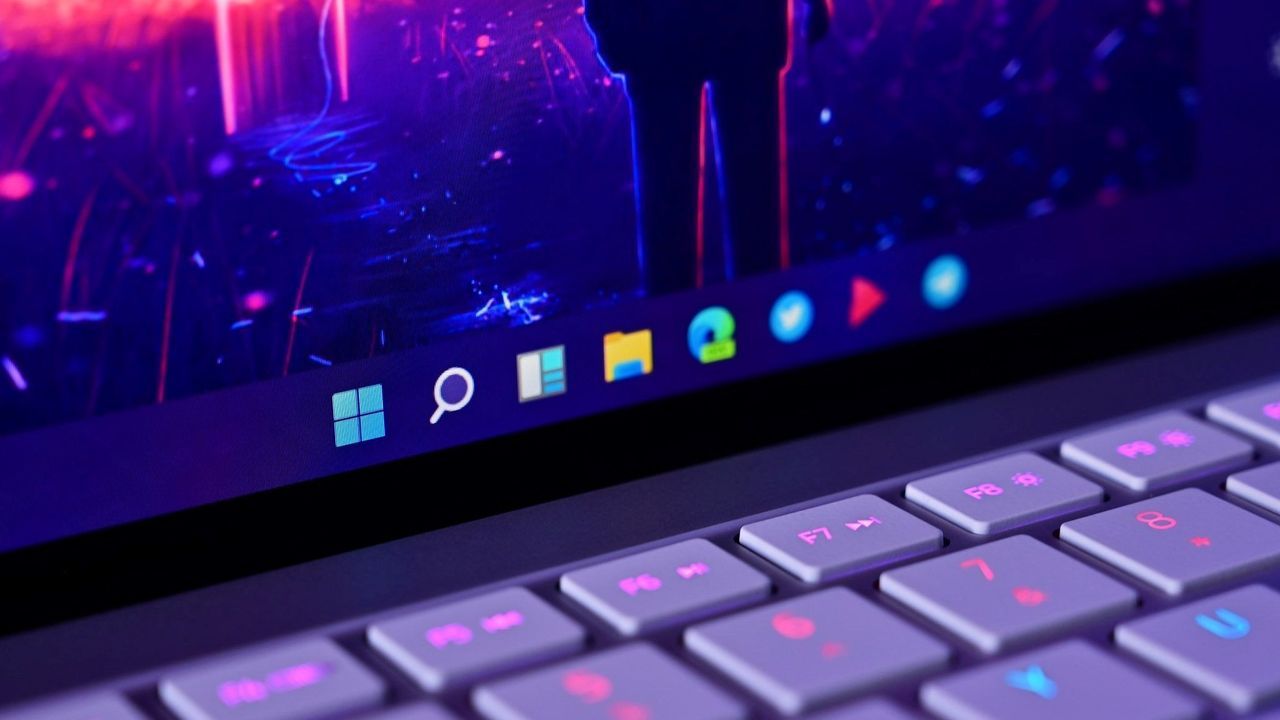
Have you ever looked at your desktop and wished you could fine-tune every pixel? In the quest for a truly personalized operating system experience, users often look to modern mobile interfaces—like iOS’s Liquid Glass effect—for that level of dynamic visual control. Recently, this desire spilled over into Windows 11, with many users asking Microsoft for a customizable UI transparency slider.
The reality, however, is that while Windows certainly features transparency and blur effects, the operating system currently lacks any native tools to allow users to adjust the strength of these effects. Users can toggle transparency on or off, but there is no built-in mechanism to fine-tune those visual settings directly within the OS.
This gap has naturally led the community to explore third-party solutions. Applications like Windhawk provide powerful enhancements, allowing users to customize various aspects of the desktop, including blur effects. Yet, this customization remains outside the native experience, requiring users to rely on external tools rather than an integrated setting.
Microsoft’s response to this growing demand has been clear: there are currently no plans to introduce a customizable transparency slider into Windows 11. In a statement, Partner Director of Design at Microsoft, March Rogers, acknowledged the feedback but emphasized that development priorities must be carefully considered regarding investment, usability, and accessibility.
Rogers noted that the team evaluates which features will benefit the largest number of users and developers, suggesting that focusing on existing foundational improvements takes precedence over new aesthetic options at this time. This approach underscores a core philosophy: empowering the community of developers to build solutions, much like the Windhawk project does for Windows.
While direct control over transparency sliders is not on the immediate roadmap, Microsoft remains committed to evolving the Windows experience through continuous enhancements. The focus is shifting toward other areas where customization will be integrated directly into the OS.
In fact, there are exciting developments underway. Soon, users will benefit from a highly anticipated customizable Start menu, offering fresh ways to organize and personalize their launch experience. Additionally, Microsoft is working on a major overhaul of the context menu, aiming to make it faster, more reliable, and even more user-customizable.
It’s clear that while the path to full visual customization might take time, the openness of the Windows ecosystem ensures that developers are constantly innovating. By focusing on large-scale reliability improvements alongside new personalization tools, Microsoft is setting the stage for a future where tailored experiences are the norm.
Buy on Amazon
Credit

