Pause Windows 11 updates indefinitely
Windows 11 Gets a Feature-Packed Update: Pausing Updates and Rolling Back Time
The monthly Patch Tuesday has delivered more than just bug fixes; Windows 11‘s latest update is packed with significant new features designed to give users greater control, better recovery options, and a much smoother daily experience. This massive release addresses major concerns while introducing tools that fundamentally change how you interact with your operating system.
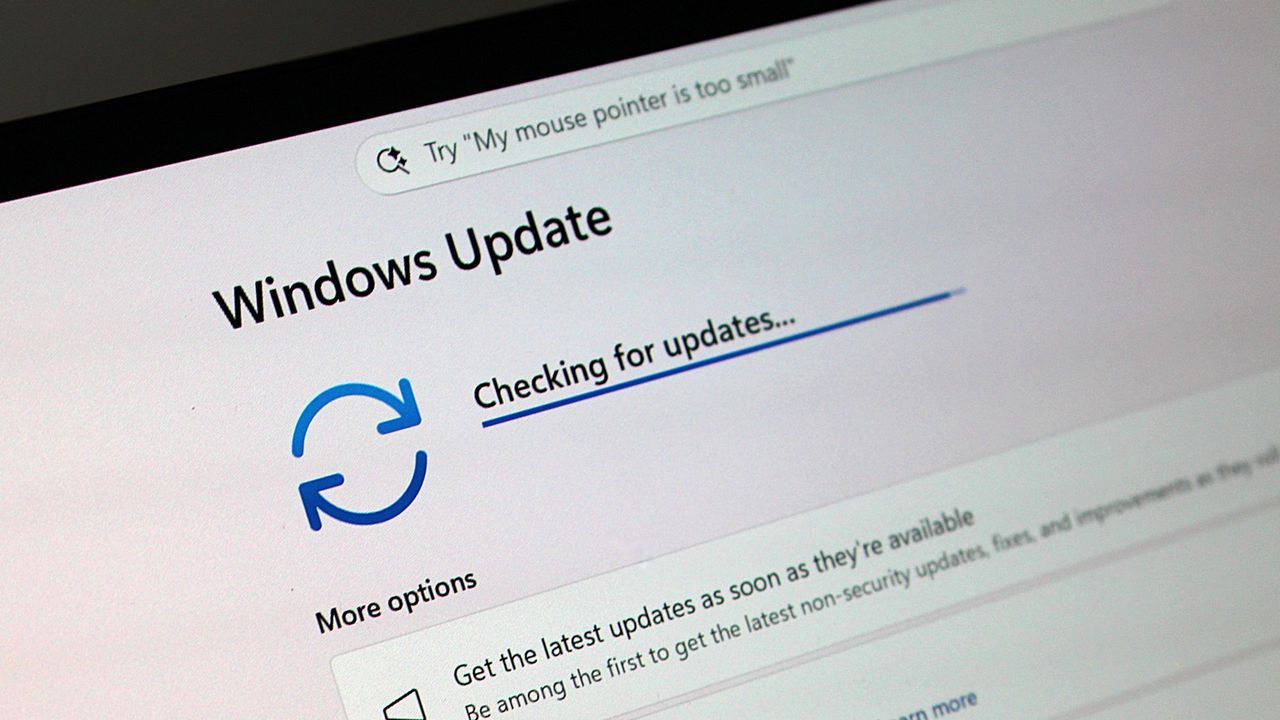
One of the most impactful changes for power users and those who crave control is the ability to pause updates indefinitely. For the first time, users can halt the update process for up to 35 days and then resume it when ready. This flexibility offers an essential breathing room, allowing you to manage system resources or schedule maintenance without constant interruption.
Beyond pausing updates, Microsoft has introduced a powerful new recovery mechanism: Point-in-time Restore. This feature acts like an ultimate safety net, automatically creating restore points that capture settings, files, and applications. If a system faces issues or requires a change, users can instantly roll back their PC to a previous working state, dramatically simplifying troubleshooting and reducing potential downtime.
The everyday experience is also significantly enhanced, particularly through updates to the Widgets panel. The new experience is designed to be quieter and more focused, minimizing distractions by default. It offers better notification control, simplifies personalization settings, and introduces performance improvements across the board, making the dashboard less intrusive.
Accessibility has received a major boost, focusing on making the operating system easier for everyone to navigate. New features include an improved screen tint option to reduce eye strain and enhanced Magnifier controls that allow for more precise zoom adjustments. This ensures that users have better control over visual clarity and personal comfort settings.
Deep within the operating system, File Explorer has seen several refinements designed to boost speed and compatibility. Improvements address responsiveness when mounting disk images, enhance reliability when dealing with OneDrive synchronization in File Explorer Home, and fix various issues related to renaming files, ensuring that managing your digital files is faster and more reliable than ever.
Connectivity between devices has also been significantly improved. Bluetooth stability saw crucial enhancements, addressing compatibility workarounds for popular accessories like AirPods and improving overall reliability for voice calls. Furthermore, the Phone Link integration was updated to improve audio routing, ensuring a seamless experience when managing calls between your phone and PC.
For those who rely on voice interaction, Windows 11 introduces new capabilities in multiple languages. Users can now leverage voice access and voice typing in French, German, and Spanish, allowing the system to correct grammar and improve recognition in real-time, even amidst background noise, making dictation incredibly smooth.
Finally, the update shores up the technical infrastructure, bringing critical networking improvements for virtualized environments and ensuring better reliability for VPNs. These changes enhance overall network throughput and reduce bug checks related to Wi-Fi power, providing a more stable and reliable foundation for modern computing.
Buy on Amazon
Credit
