RGB Software Causes Windows 11 Crashes and Game Freezes
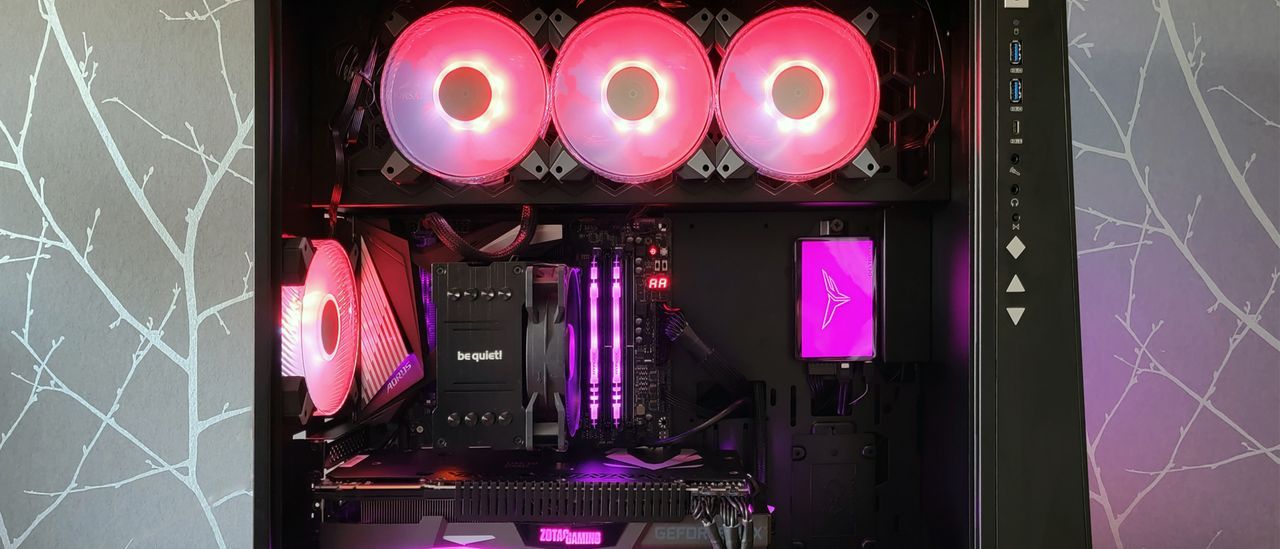
Every month brings updates, but sometimes, those updates introduce chaos. Recently, Windows 11 users have been wrestling with a new, unexpected bug delivered via the latest monthly patch, KB5121003. Forget minor glitches; this was a genuine system instability issue, manifesting as games freezing, sudden crashes, and the dreaded Blue Screen of Death (BSODs).
While the symptoms were frustrating, Microsoft quickly pinpointed the source of the trouble, offering a surprisingly specific explanation. The instability wasn’t a flaw in the operating system itself, but rather a clash between a popular feature and deep system security protocols. The culprit? RGB lighting software installed on affected PCs was inadvertently interfering with core system components.
To understand why this RGB spectacle caused such havoc, one must delve into the technical architecture. The RGB software operates by installing drivers that interface with peripheral controllers. These drivers, while designed to manage the lighting, run in kernel space—the deepest, most privileged level of the operating system. This is where critical functions reside, and consequently, where anti-cheat software operates.
For anti-cheat systems, this kernel-level access poses a massive security risk. If the RGB driver is not handled with extreme care, anti-cheat software can view it as a potential threat, often blocking the driver entirely to prevent malicious code injection. However, if the driver is blocked at startup, and the RGB software still tries to execute commands—such as adjusting lighting or monitoring sensor data—the system hits an impasse, triggering a critical EXCEPTIONACCESSVIOLATION error.
When the driver is terminated mid-use while executing high-level instructions, the result is a kernel fault, forcing Windows to initiate a safeguard by throwing up a Blue Screen. It’s the operating system’s emergency brake, designed to protect hardware when faced with unrecoverable errors.
This conflict had a direct impact on online multiplayer titles, including games like Arc Raiders, Marvel Tokon: Fighting Souls, and The Finals, which were among the most affected by the instability. Users frequently reported that these titles would suddenly hang or crash, exhibiting that classic crash pattern until the system rebooted.
While Microsoft is actively working to fully understand the relationship between RGB components and game-triggering issues, users have some immediate steps they can take. For temporary relief, the system can be stabilized by manually disabling the problematic driver using the Registry Editor. Furthermore, developers of affected titles, such as Embark Studios, have also shared methods for mitigating crashes.
For those who still want to control their hardware aesthetics, solutions exist outside the immediate conflict. Universal control programs like SignalRGB or OpenRGB offer ways to manage device lighting using whitelists that are recognized by anti-cheat systems. If you encounter this issue, the most effective route for ensuring these kinds of bugs get prioritized is by reporting them directly through Microsoft’s Feedback Hub.
Buy on Amazon
Credit
