Seamlessly move windows in your browser with PowerToys
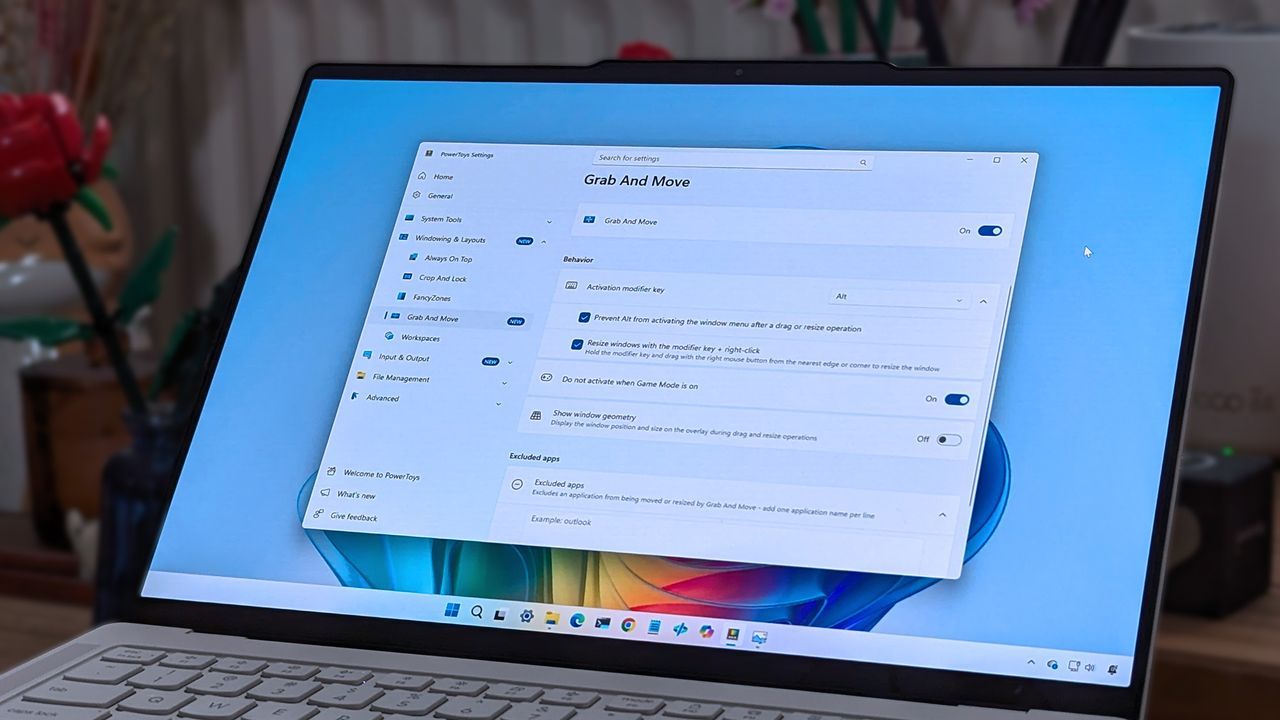
Beyond Alt + Tab: How PowerToys Just Revolutionized Window Management
If you spend any significant amount of time navigating windows on Windows 11, you know the frustration: the endless cycle of Alt + Tab, which forces you to hunt through a complex menu just to switch between instances of the same application. Power users constantly search for ways to streamline this multi-tasking chaos, and recently, the PowerToys suite delivered a feature so intuitive it feels like a fundamental extension of the operating system itself.
This seamless integration stems from the latest update to PowerToys, which introduces a brilliant new utility called Window Hopper. This isn’t just another small tweak; it’s a feature designed to fundamentally change how you handle multiple open windows of a single program, transforming cumbersome switching into a simple keyboard command.
Window Hopper essentially provides an accelerated alternative to Alt + Tab, but with laser-focused precision. Imagine you are deep into research in your browser, drafting a document in an editor, and need to quickly hop between those specific windows without disturbing the other applications running in the background. Window Hopper makes this a reality by allowing you to cycle directly through all the open windows of a specific application.
Activating this powerful tool is incredibly simple. To engage Window Hopper, you simply press Alt + backtick (the grave accent key, located in the upper-left corner of your keyboard). Once activated, holding Alt and pressing backtick again allows you to cycle instantly through every window belonging to the application you are currently focused on. This mechanism works effortlessly across any application that supports multiple open windows, including File Explorer.
The true power of Window Hopper lies in its applicability to common multitasking scenarios. For instance, if you use separate windows for research, note-taking apps like Airtable, or communication tools like Slack, managing these windows individually can quickly become tedious. Window Hopper eliminates that friction, allowing you to manage your workspace with minimal mouse movement and maximum keyboard efficiency.
This level of control elevates the entire Windows experience. PowerToys has established itself as a hub for power users, offering a massive library of features that enhance daily computing. Beyond Window Hopper, the latest updates also bring improvements to the overall experience, including a more compact Command Palette and other refinements that make the system feel cleaner and more responsive.
For anyone who relies on keyboard shortcuts and seeks a way to customize their workflow to match their habits, Window Hopper is an essential addition. It’s a perfect example of how adding a thoughtfully designed utility can turn a common frustration into a delightful efficiency upgrade, proving that the best features are often those that feel naturally baked into the system.
Buy on Amazon
Credit
