
Skip Teams meetings with the new app
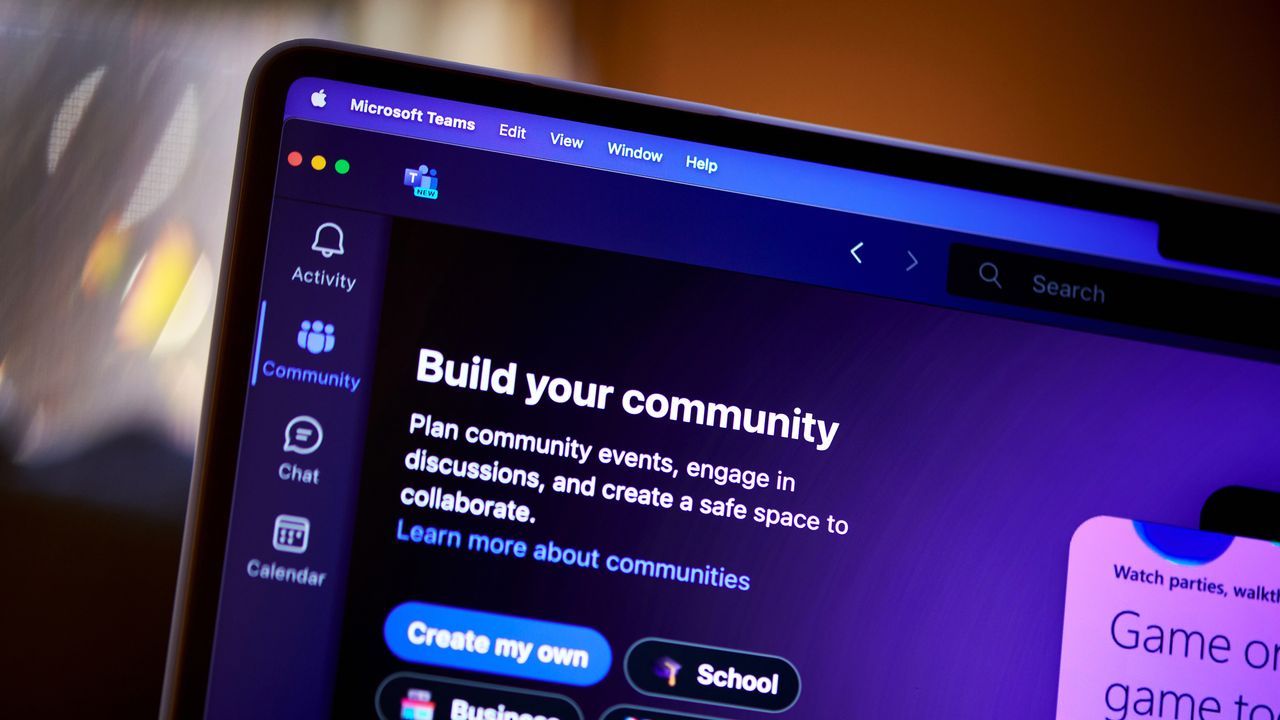
Microsoft Teams is not just an internal communication tool; it’s rapidly evolving into an intelligent workspace where artificial intelligence tackles some of our biggest daily frustrations. The latest updates are moving beyond simple chat and calls, focusing instead on delivering genuine productivity gains by synthesizing information and streamlining complex workflows.
A major step in this evolution is the new Meeting Recaps app. Designed to combat the relentless clutter of meetings, this feature centralizes everything you need—recordings, transcripts, notes, and AI-generated summaries—into a single, easily searchable hub within Teams. Instead of drowning in scattered chat threads and calendar entries, users can now quickly browse recaps from the last 30 days using quick filters to instantly find the most relevant information, whether it’s a key decision or a mention of your name in a discussion.
This application is more than just archiving; it’s about saving time. By automatically condensing lengthy conversations into actionable summaries, these recaps allow teams to catch up on crucial details without having to sift through hours of recorded content. For anyone juggling a packed schedule, this feature positions AI as an essential assistant for navigating the demands of modern work.
Beyond meeting management, Teams is integrating smarter collaboration tools across the board. Users now have more seamless access to organizational communities via Viva Engage directly within the Teams sidebar, ensuring that vital community updates are never missed. Furthermore, internal systems are being integrated to improve operational efficiency. For recruiters, the LinkedIn Hiring Assistant integration allows teams to streamline candidate review and feedback directly inside Teams, fostering quicker hiring decisions by keeping collaboration centralized.
The focus on in-person environments is equally compelling. With Teams Rooms Pro, AI features help transform physical meetings into productive experiences. The Facilitator agent captures notes, decisions, and action items for face-to-face sessions, ensuring that critical takeaways are captured instantly and don’t get lost after the meeting ends.
For frontline workers, these advancements translate directly into improved efficiency on the ground. New features in the Frontline Agent app streamline onboarding, offering tailored guidance exactly when needed. Managers gain powerful tools like Follow Up to collect consolidated responses from teams, drastically reducing the time spent chasing updates across multiple channels. Even physical inspections are being revolutionized through voice-driven Site Walkthroughs, allowing workers to conduct audits hands-free and instantly generate structured reports.
Teams is truly demonstrating the power of intelligent integration. From supporting multilingual calls with real-time interpretation in Teams Phone devices to securing shared physical spaces with passwordless sign-in for Teams Rooms on Windows, Microsoft continues to build a platform where advanced AI and connectivity work together to make daily work smarter, faster, and more collaborative.
Buy on Amazon
Credit

