
Use this free Edge feature to replace a $29 subscription
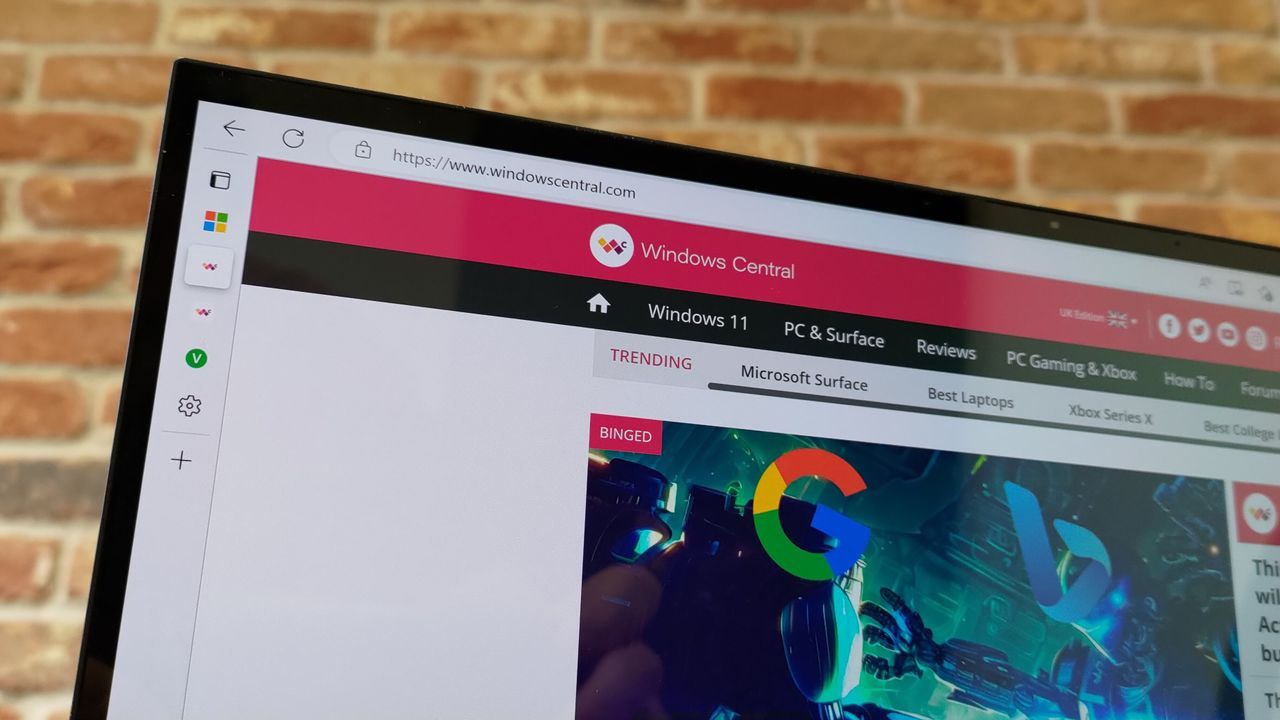
The Audio Revolution: Is Edge’s Read Aloud or Speechify the Better Way to Listen to the Web?
We all browse the internet, but how much of that experience is truly read aloud? For years, Microsoft Edge has offered a built-in feature called Read Aloud, allowing users to listen to web content instantly. Yet, as the demand for advanced text-to-speech (TTS) solutions grows, a dedicated competitor, Speechify, has entered the fray, prompting a fascinating showdown between native browser features and specialized applications.
This comparison isn’t just about volume; it’s about quality, nuance, and navigating the chaotic landscape of the modern web. Whether you are seeking effortless accessibility or an immersive auditory experience, the choice depends entirely on how each system handles the complexities of digital content.
The Voice Factor: Fluidity vs. Fidelity
When comparing the two titans, the difference in voice quality is immediately apparent. Edge’s Read Aloud voices are fluid and perfectly functional, providing a solid foundation for multitasking while you consume content. However, they lack the rich, human texture that sets Speechify apart.
Speechify, on the other hand, offers a distinct upgrade. Its voices sound less like robotic narration and more like a seasoned voice actor reading directly to you—with added depth and bass. Speechify labels its voices based on characteristics like Resonant or Velvety, giving users more control over the tone of their listening experience.
This difference in fidelity also impacts pacing. While Edge’s voices can reach speeds up to about 2x, they begin to lose clarity quickly. Speechify allows for a more engaging pace, enabling users to comfortably listen at speeds exceeding 2.2x without sacrificing comprehension, making the listening experience significantly smoother.
Mastering the Mess: Navigating the Modern Web
The true test of any TTS tool is how it handles the modern web—a space riddled with visual distractions like ads, embedded videos, and disruptive sidebars. Reading articles online rarely involves a single block of uninterrupted text; instead, content is fragmented by block quotes, related posts, and advertisements.
Here is where Speechify truly shines. It intelligently focuses on the core textual information, expertly skipping over irrelevant inserts and external components. It keeps you firmly anchored to the main article, correctly identifying and reading key elements like block quotes without derailing the flow with unnecessary content.
In contrast, Edge’s Read Aloud feature struggles with this fragmented environment. It frequently jumps jarringly between primary text and peripheral elements, such as side recommendations or advertisement blocks, interrupting the flow and forcing you to constantly reorient your attention.
The Verdict: Free Efficiency vs. Premium Polish
So, which tool should you choose? For those who simply want a free, built-in solution for listening to basic web content without added fuss, Edge’s Read Aloud is surprisingly solid. It’s an excellent, free utility that makes the web more accessible for passive listening.
However, if your goal is a deeply immersive and sophisticated reading experience—one where voice quality is paramount and you need smart navigation through cluttered web pages—then Speechify proves to be the superior choice. While Edge offers free efficiency, Speechify delivers premium polish. Furthermore, if dictation features are also part of your workflow, the added value of the Speechify subscription becomes even more compelling.
Ultimately, the decision comes down to priorities: do you prioritize a free tool built into your browser, or do you demand unparalleled quality and intelligent handling of complex digital content?
Buy on Amazon
Credit

