Smart motherboard buying: scope features and save money
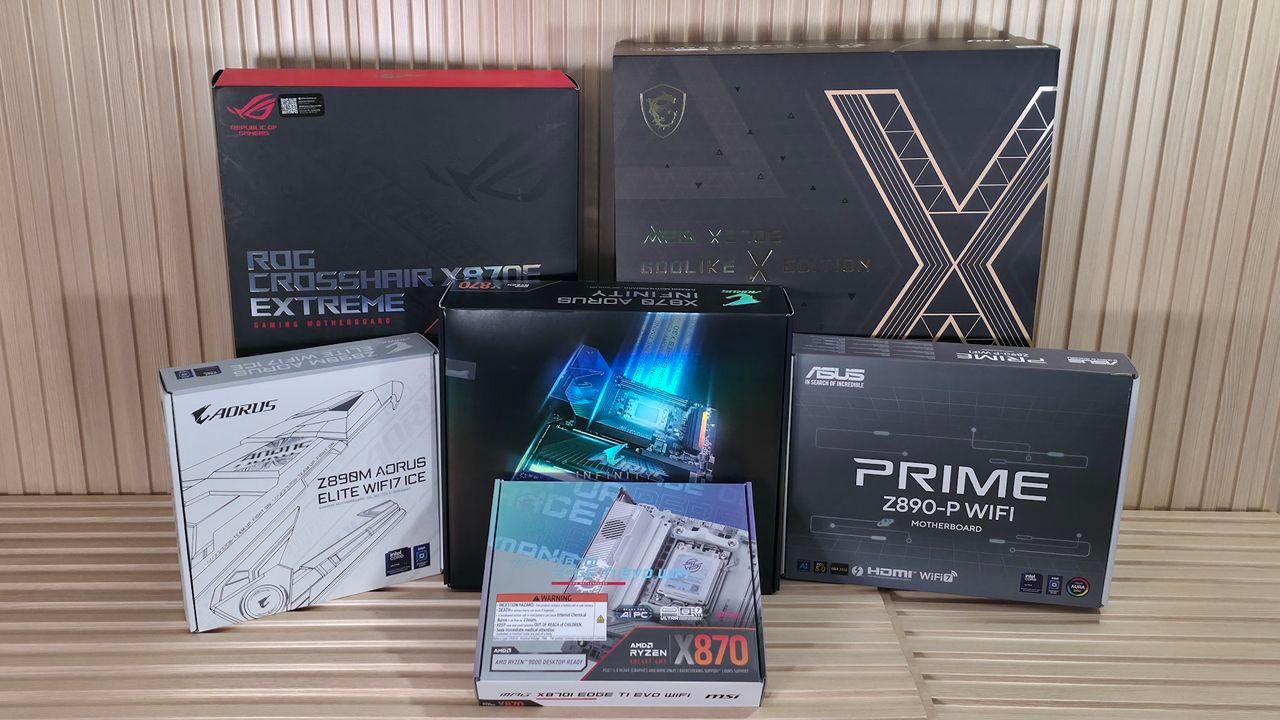
Buying a new motherboard today feels less like a simple transaction and more like navigating a complex, feature-packed maze. With ever-increasing options and soaring prices, it is easy to wonder: how much do I really need, and what do I actually gain for the extra money?
Flagship motherboards from the Big 4 manufacturers—Asus, ASRock, Gigabyte, and MSI—can easily command prices matching high-end CPUs or graphics cards. While this extra cost often translates into more features and better aesthetics, the real value is highly dependent on your specific use case. Spending more doesn’t automatically mean a better experience if you aren’t going to utilize every ounce of the hardware.
So, what drives these prices? At the core is the Bill of Materials, or BOM. Everything on the board, from the PCB layers and copper content to the quality of power delivery components and integrated controllers, contributes to the final cost. Higher-end boards incorporate more sophisticated power systems, featuring multiple phases and higher-rated MOSFETs, which are essential for extreme overclocking but often unnecessary for the majority of users.
Beyond the power delivery, motherboard makers pack in various connectivity options—M.2 slots, USB ports, networking chips, and audio solutions. Each of these additions increases the cost. While features like toolless M.2 sockets and integrated AI tools aim to simplify the build process, their true worth is measured by whether they are actually useful to you.
The complexity often extends to physical connections. Features like PCIe lane bifurcation and sharing—how lanes are distributed between M.2 drives and expansion slots—are often hidden within the specifications. What looks like a premium board might still be limited by the underlying chipset’s ability to share bandwidth, meaning that adding features can sometimes complicate performance rather than enhance it.
Ultimately, the decision boils down to balancing demand and necessity. Most users, whether they are dedicated gamers, content creators, or general productivity users, do not need the most robust, 20-plus-phase power systems. A well-balanced board with 12 to 18 phases and 60 to 80A MOSFETs is more than sufficient for handling high-end processors without throttling performance.
Consider the necessities of connectivity: while faster wired networking options like 10 GbE or 2.5 GbE exist, they are often overkill unless you are running a high-bandwidth internal network. Similarly, the push toward technologies like Wi-Fi 7 offers exciting potential, but the benefit only materializes if your devices and router are built to support it.
To make the right choice, focus on a few foundational elements: ensuring CPU compatibility, selecting the right form factor for your case, choosing the correct RAM type (DDR4 or DDR5), and determining the specific storage and expansion slots you require. The ideal motherboard is not necessarily the most feature-rich one, but the one perfectly tailored to your workflow.
By carefully assessing your actual needs—whether you are a budget-conscious gamer, a heavy content creator, or an extreme overclocker—you can avoid paying a premium for features that won’t be used. The best motherboard is the one that delivers exactly what you need, allowing you to allocate your extra budget to components that genuinely make a difference in your system’s performance.
Credit
