Tap your phone to shut down or restart your PC
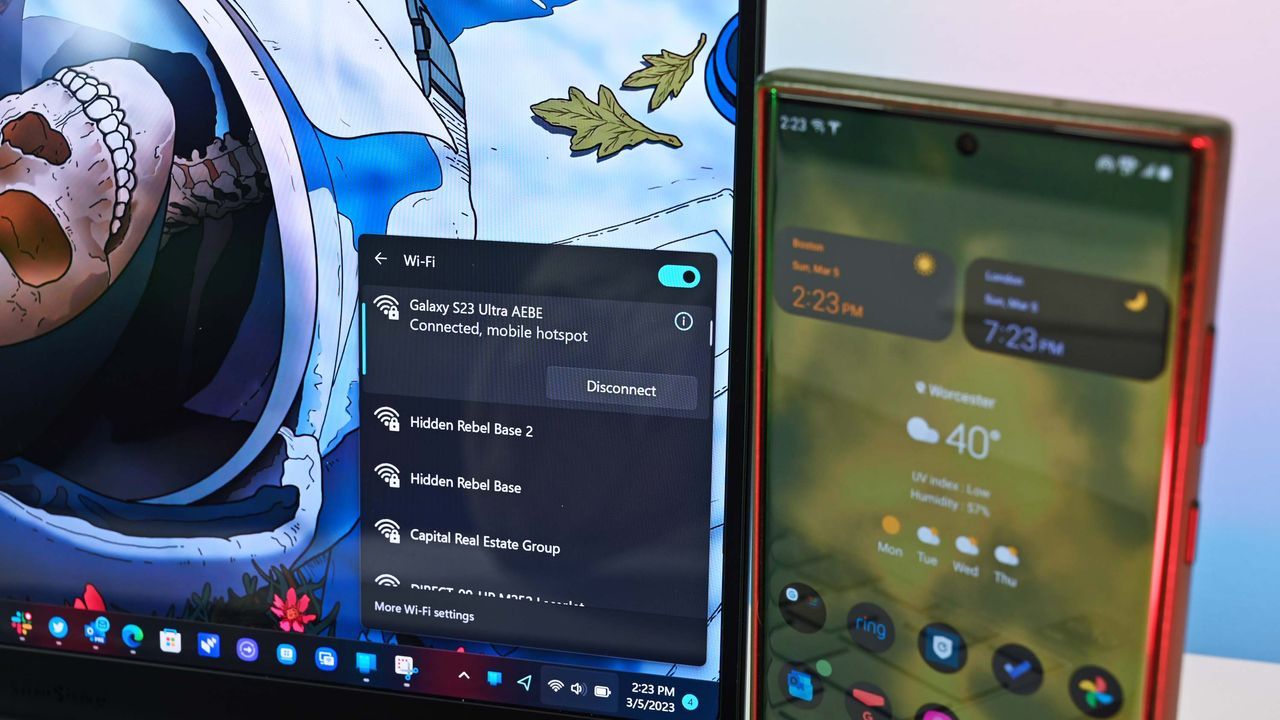
The Future is Remote: How Your Android Phone Might Soon Control Your PC
Imagine finishing your workday, zipping up your laptop, and immediately sending a command to your phone to put the machine to sleep or shut it down. This isn’t science fiction; it’s a feature that developers are quietly testing, and it hinges on Microsoft’s ongoing effort to weave a truly seamless digital tapestry between your smartphone and your personal computer.
The evidence suggests that the Link to Windows and Phone Link application is on the cusp of unlocking this remote control capability. Internal code discovered within the application hints at upcoming functionality that will allow Android devices to manage core PC power states—including restarting, shutting down, and putting a computer to sleep.
While Microsoft has yet to issue an official confirmation, the existence of this internal code signals a major shift in how we interact with our devices. Currently, users can already lock their PC remotely from their phone, but the rumored addition of power management controls promises a level of convenience previously reserved for complex Remote Desktop setups.
For those who manage demanding schedules or work remotely, this feature could be a game-changer. Picture this: you finish a massive file transfer, and instead of manually navigating settings, you simply command your PC to shut down, ensuring everything is properly saved and powered off without needing to fiddle with complex remote access protocols.
The potential benefit extends beyond simple power management. If implemented, the ability to remotely manage sleep states offers unparalleled efficiency. It could solve the common problem of leaving PCs running unattended while you are away, whether you are downloading large files or stepping out for a while.
When it comes to putting the PC to sleep via this new link, there are important caveats. Early warnings suggest that when a computer enters sleep mode remotely, it will be disconnected from the phone, meaning you must physically go to the PC to wake it up.
Further complexities are noted when attempting these actions during system updates. The system generates separate warnings if a restart or shutdown is attempted in the middle of a critical update process, highlighting that these remote commands will require careful management by the user.
This evolution is part of a much larger strategy by Microsoft to deepen the connection between the mobile and desktop experience. Beyond remote power functions, the tech giant is actively testing deeper integrations, including adding a section to the Start menu and experimenting with various flyouts and menus designed to make connecting your phone and PC feel less like two separate entities and more like a single, unified system.
As Microsoft continues to refine the integration between its ecosystem, we can expect this trend toward total device synergy to continue, promising a future where the management of our digital life is handled with effortless, remote command.
Buy on Amazon
Credit
