This new app fixes the worst part of Windows setup
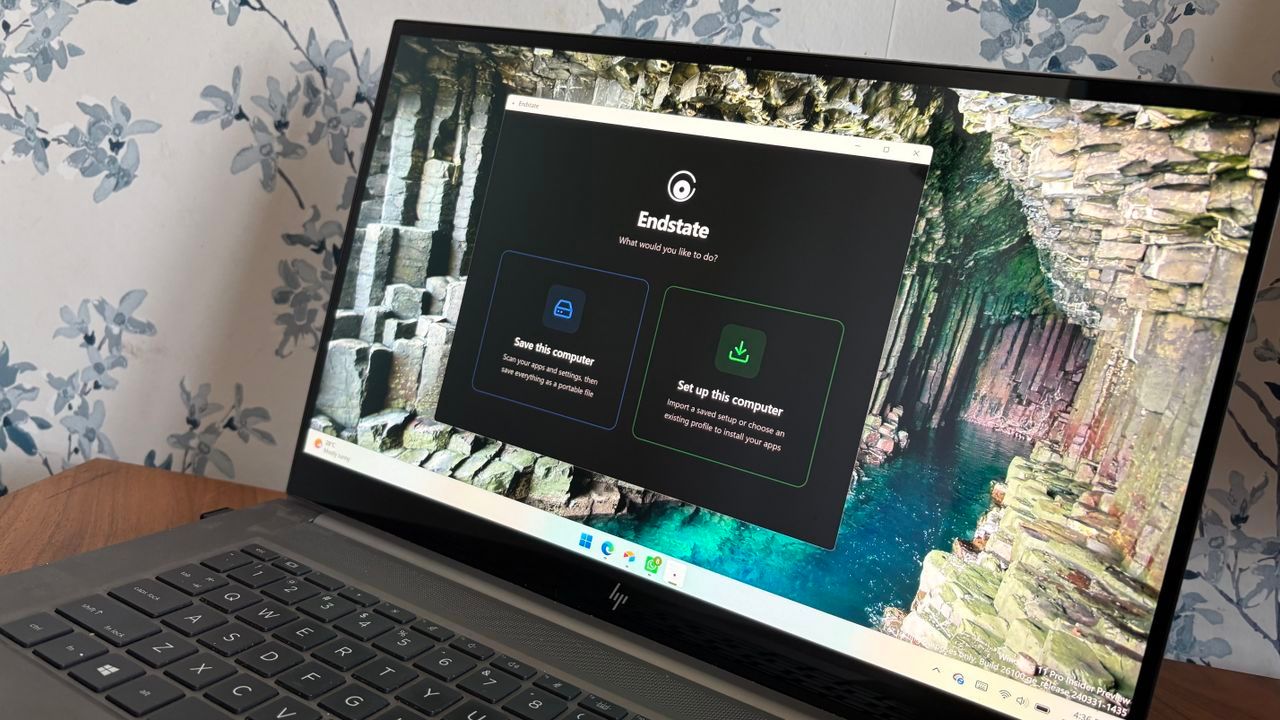
For Windows power users, PC builders, and system administrators, the tedious process of reinstalling Windows or setting up a brand new machine often involves a frustrating clean slate. You’re left with a fresh operating system, but all those meticulously customized settings, installed applications, and personal preferences vanish. Enter Endstate, a powerful, free application designed to solve this exact problem.
Endstate streamlines the entire setup and restoration process, offering a simple way to reinstall applications while simultaneously restoring your critical settings and preferences within supported software. It transforms what used to be a headache into a smooth experience for anyone managing their PC environment.
How does this magic happen? Endstate works by leveraging popular package managers like WinGet and Chocolatey, allowing it to easily install a massive library of applications. But the true innovation lies in its ability to capture application settings. Endstate bundles these customizations into a zip file, making restoration effortless whenever you need it.
When you rebuild your system, standard package managers simply reinstall apps to their factory defaults. However, with Endstate, the process is different. It separates the installation from the configuration. Endstate can restore settings for up to 357 applications right now, ensuring that the custom toggles and fine-tuned preferences you spent time perfecting are exactly where they should be.
This feature extends beyond just restoring configuration; Endstate can handle application restoration independently. If an application is available through WinGet or Chocolatey but doesn’t natively support settings restoration, Endstate still ensures that the application itself is installed correctly, giving users complete control over their software stack.
The breadth of supported applications truly highlights Endstate’s utility. It covers major tools favored by power users, including MSI Afterburner, Adobe Lightroom Classic, VS Code, Windows Terminal, PowerToys, Git, Obsidian, OBS Studio, Notepad++, and ShareX. This extensive list demonstrates the app ecosystem Endstate is designed to support.
While Endstate is currently a Windows application, the team is actively working on expanding its reach, with plans for support on Linux and macOS in the future. Despite this focus, it fills a significant gap in the current desktop operating system landscape by offering seamless personalization restoration.
In the broader context of operating systems, Windows boasts unmatched app selection, thanks to its extensive legacy support. However, when compared to native mobile experiences on iOS and Android, where saving and restoring settings is routine, Endstate offers a glimpse into a more integrated solution. It sets a high bar for what developers should aim for in creating truly portable and customizable software experiences.
Buy on Amazon
Credit
