Turn Windows 11 right-click menu into Windows 10
While the latest gaming hardware and GPU upgrades tend to grab the headlines, there is a quiet revolution happening beneath the surface of Microsoft Windows, focused entirely on making our daily digital experience smoother. Even if you haven’t made the jump to Linux, the continuous refinements being made to Windows are delivering tangible improvements to our quality of life.
Microsoft has been steadily making headway over the past few months, and now they are focused on addressing some of those lingering annoyances that Windows 11 users have experienced since the OS was first released: the File Explorer experience and the ubiquitous right-click context menu.
In the latest Insider build, these updates are rolling out improvements aimed squarely at “performance and reliability.” For File Explorer, this means eliminating dozens of potential stalls and interruptions, so you’ll see fewer freezes and flashes whether you are browsing files, renaming them, or simply navigating directories. Beyond the heavy lifting, these changes extend to the small, often frustrating interactions that happen every single day, such as more immediate filename changes, support for various address bar inputs, and file sizes being displayed in more appropriate units.
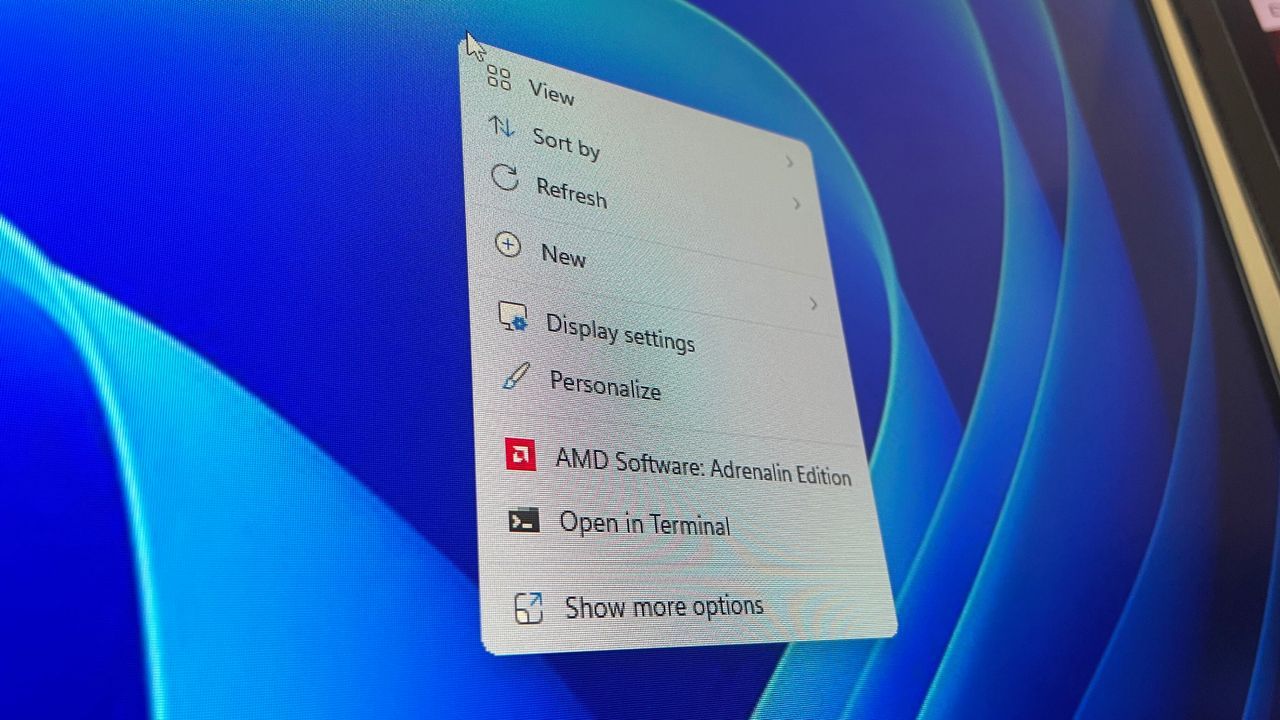
But the changes don’t stop at managing files. The context menu, that critical right-click interface, has also received a significant overhaul. For many long-time Windows users, the shift from the familiar Windows 10 layout was jarring. Microsoft is addressing this by giving users the power to customize their interface, recognizing that muscle memory matters.
The most significant improvement allows users to revert to a familiar structure, enabling them to list main commands like Cut, Copy, Paste, Rename, Delete, and Share directly within the menu. Furthermore, users now have the flexibility to position items like Properties at the bottom, rather than a separate row of icons.
This adjustment isn’t just cosmetic; it’s about efficiency. Microsoft recognized the need to drastically reduce the time gap between right-clicking and having a functional menu ready to use. This focus on speed and usability means the menu will open faster and will be significantly more customizable.
As a further layer of personalization, a new option, Customize menu, is now available at the bottom of the context menu. This feature acts as a shortcut to a dedicated Settings page, allowing users to shape the menu around their personal preferences, habits, or years of established configuration.
These focused improvements—enhancing performance, smoothing out small interactions, and offering greater control over the interface—demonstrate Microsoft’s commitment to delivering on its promise. By prioritizing the fundamental elements of Windows, the company is proving that making the core operating system performant, functional, and easy to use is a priority that yields genuine, everyday quality-of-life gains.
Buy on Amazon
Credit
