Tweak Dawnwalker Blood settings for stunning visuals
Taming the Beast: Achieving Smooth Performance in The Blood of Dawnwalker
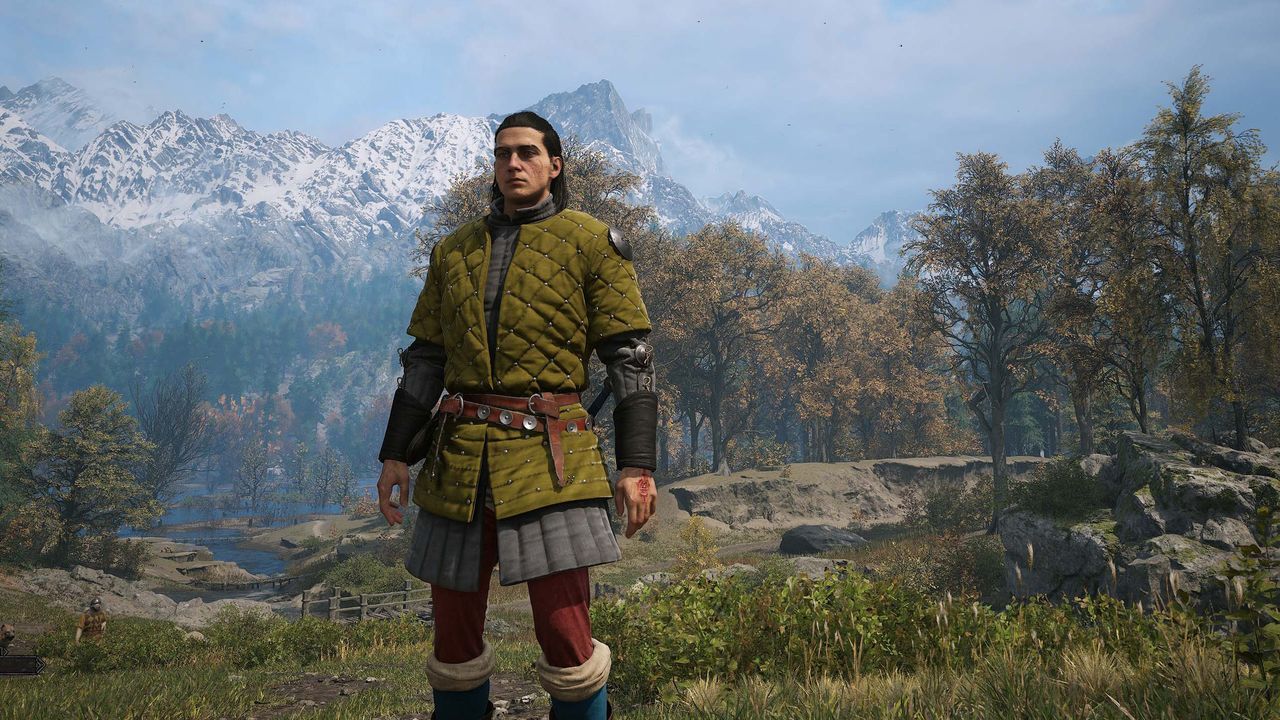
When you dive into a world as visually rich and demanding as The Blood of Dawnwalker, you’re not just exploring a landscape; you’re pushing your PC to its absolute limits. This game is known for being punishing, and for good reason—it puts significant strain on hardware. The real performance challenge isn’t just about graphics settings; it’s about managing a tricky dance between visual fidelity and frame rate survival.
The game’s system requirements, while seemingly challenging, are actually quite generous. However, achieving those coveted high frame rates—especially at 1440p—requires smart configuration and a solid understanding of optimization. Testing the game revealed that while the open world of Carpathia is gorgeous, performance can quickly become the bottleneck, turning a beautiful exploration into a frustrating struggle.
To find the sweet spot between stunning visuals and playable performance, we focused on maximizing frame rates without completely sacrificing the game’s atmospheric detail. We explored how specific settings and hardware configurations impact the experience, focusing on getting the most out of systems like the Nvidia RTX 4060 paired with an AMD Ryzen 7 7700X.
We discovered that simply cranking up the graphics is rarely the answer. Instead, fine-tuning specific elements yielded the best results. By compromising on elements like Shadow Quality, Light Quality, Foliage Quality, and Detail Quality—setting them to Medium—we managed to achieve a more stable frame rate. This slight adjustment proved crucial, as these elements are significant resource hogs in a game built on the Unreal Engine 5 platform.
For instance, dialing back shadow quality to Low provided a tangible boost, helping the frame rate stabilize around 62 frames per second during demanding runs. This demonstrates how tweaking these specific variables can provide a substantial performance cushion without drastically damaging the visual aesthetic.
Beyond static settings, modern upscaling technologies like DLSS and Frame Generation introduce new layers of performance management. While Frame Generation (FG) is an experimental feature designed to smooth out gameplay by interpolating frames, it is crucial to understand that it doesn’t magically create extra performance. Instead, it smooths the experience, making lower frame rates feel significantly more comfortable.
When tested with the RTX 4060, enabling 2x Frame Generation provided a noticeable jump in smoothness, moving the average frame rate from around 50 fps to 73 fps. This trade-off, however, comes with a small cost: added PC latency. While adding a few milliseconds to the input lag is a trade-off, the overall increase in visual smoothness often makes the difference worth it for many players.
Ultimately, the ideal setup involves a balance: using smart optimization techniques, carefully managing resource-intensive settings, and selectively employing features like Frame Generation when your hardware can handle the resulting latency. By embracing these strategies, players can navigate the dense forests of Carpathia and experience The Blood of Dawnwalker with both breathtaking detail and remarkably smooth performance.
Buy on Amazon
Credit
