Upgrading MSI Claw 8 EX AI+ Gaming PC with 2TB SSD
When you look at the handheld gaming scene today, it’s easy to feel like something has fundamentally changed. I recently put the MSI Claw 8 EX AI+ through its paces, and the results were nothing short of astonishing. This little machine doesn’t just play games; it sets a new benchmark for performance in handheld gaming, easily eclipsing almost every other device on the market. Coupled with stellar battery life, this PC truly delivers an experience that feels futuristic.
However, even the most powerful machines have their quirks. While the performance was unmatched, there was one glaring limitation: storage. Despite carrying a premium price tag of $1,800 for the tested unit, it shipped with only a 1TB SSD. After loading essential games from Steam and the Xbox Store, we quickly found that usable space was tight, leaving us with less than 953GB available.
To unlock the full potential of this powerhouse, I decided to address the storage deficit by upgrading the internal drive. I sourced a high-speed 2TB PNY CS2150 PCIe 5.0 SSD to bring significant headroom to the system. The real challenge wasn’t just the swap; it was making sure that this massive upgrade translated into a functional, bootable system without risking data loss.
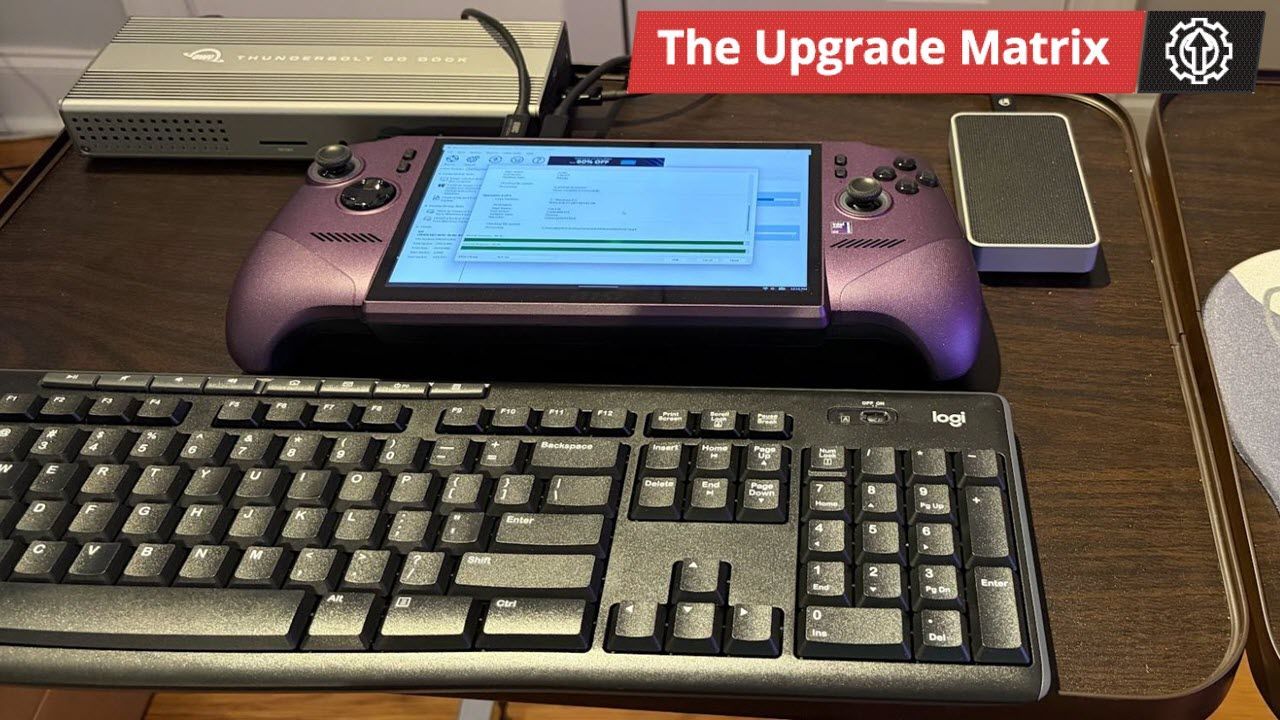
The setup required some serious technical choreography. I leveraged high-speed connections, utilizing Thunderbolt 5 docks and enclosures to bridge the gap between the handheld and my workstation. The process involved connecting a dock, a wireless keyboard and mouse, and the new 2TB SSD housed in an Orico Thunderbolt 5 enclosure to the Claw’s ports.
Next came the cloning. Since navigating the operating system on the 8-inch screen proved cumbersome, I used free drive-copy software, settling on Macrium Reflect Free. The process involved carefully cloning the existing Windows partitions—including the crucial EFI and system files—onto the new, larger drive. It was a careful operation, demanding attention to BitLocker encryption warnings along the way.
Once the transfer was complete, the physical work began. I disassembled the Claw 8 EX AI+ to extract the original drive and install the new 2TB SSD in its place. Reassembling the device required careful handling of the internal components and securing everything back into place.
The final step was booting up and verifying the results. While the system powered on flawlessly, I still noticed a space discrepancy—only 953GB appeared available, not the full potential of the new drive. Fortunately, fixing this was simple. By diving into Windows Disk Management and selecting the C: drive, I used the built-in “Extend Volume” feature.
This straightforward adjustment immediately expanded the partition, transforming the storage landscape. The system happily recognized the full capacity of the drive, revealing nearly 1.81TB in total storage with over 1.02TB free for future gaming and storage expansion. It turns a potential limitation into massive opportunity, proving that sometimes, all it takes is a little technical finesse to unlock true performance.
Credit
