
Valve reveals a killer Grip Sense shortcut for controllers
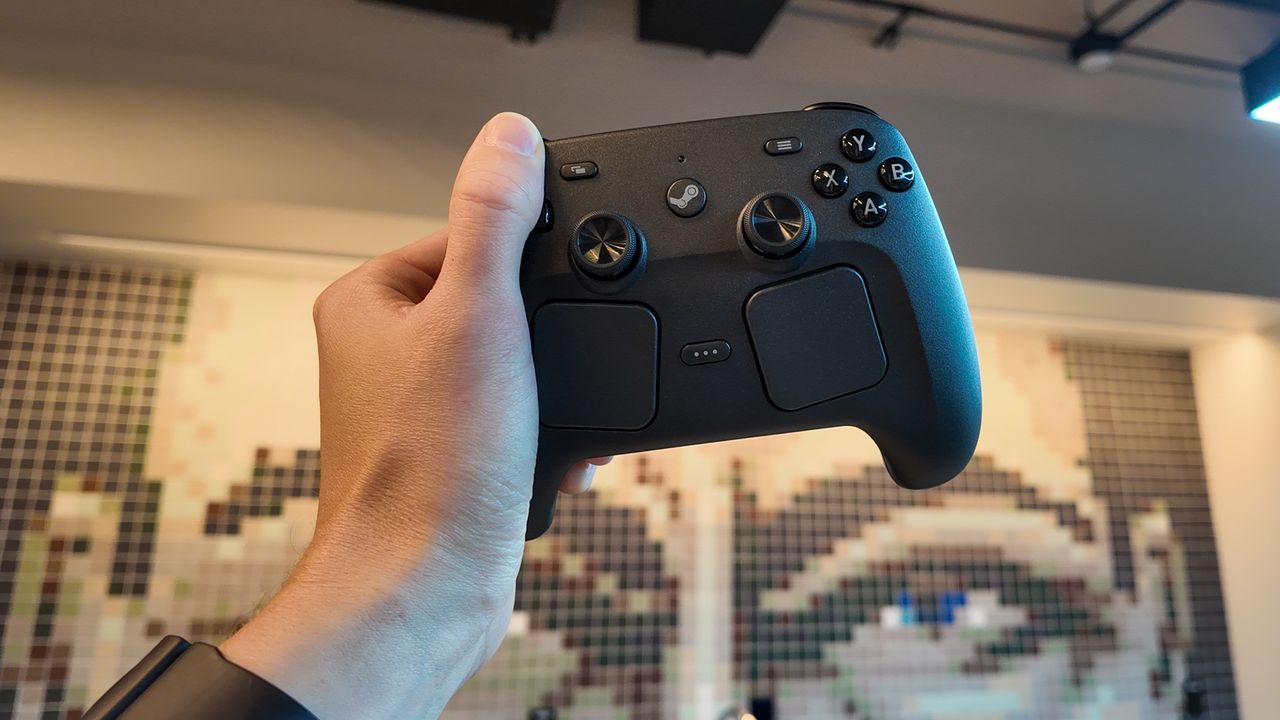
The Secret Life of Your Controller: Unlocking the Power of Grip Sense
When we think about gaming hardware, we often focus on flashy graphics and fast response times. But tucked away in the design of devices like the Steam Controller is a subtle, fascinating layer of functionality—a secret handshake between player and machine. This hidden feature, known as Grip Sense, is a prime example of how thoughtful engineering can transform a simple input device into an intuitive extension of your physical presence.
Grip Sense is essentially a pair of capacitive touch sensors built right into the handles of the controller. These sensors allow the controller to sense exactly when you are touching it, providing a new layer of input that Valve has deemed worth exploring—simply because it’s cool.
But Grip Sense is more than just a passive touch detector; it opens up incredible possibilities for manipulating gyro controls. The system allows users to activate and deactivate the gyroscope functions based on how your fingers are positioned on the controller, offering dynamic control over orientation.
One of the most ingenious features unlocked by this technology is what Valve calls ratcheting. This mechanic allows you to turn gyro controls off and on simply by repositioning your hands. Imagine lifting your fingers away from the controller entirely, resetting your body’s angle, and then placing them back down to re-engage the gyroscope. It’s a practical way to recenter yourself when your physical body is at an uncomfortable angle, eliminating frustrating input issues.
This isn’t just about centering; Grip Sense offers creative control over complex game elements. Valve points out that beyond the useful act of ratcheting, there are several other powerful use cases. For instance, you can use the gesture of lifting your fingers to bring up essential in-game tools, such as a weapon wheel, an interactive map, or a detailed menu, before placing them back down to lock in your selection.
Setting up these unique interactions is straightforward. Users can assign Grip Sense functions directly through the Steam layout editor, linking the touch sensors to gyro inputs. The process involves setting keybinds, often utilizing a “Press and Hold” setting, so that taking your fingers off the controller effectively toggles a function like bringing up a map.
If you find yourself struggling with precise control or wish to make the gyro feel more natural, adjusting the Grip Sense sensitivity is also an option. With a little experimentation, players can fine-tune these settings, making complex movements feel much more intuitive and responsive. For those lucky enough to explore this feature, integrating Grip Sense into their gameplay promises a level of seamless interaction that truly elevates the gaming experience.
Buy on Amazon
Credit

