Windows 11 File Explorer change shows Microsoft can’t please users
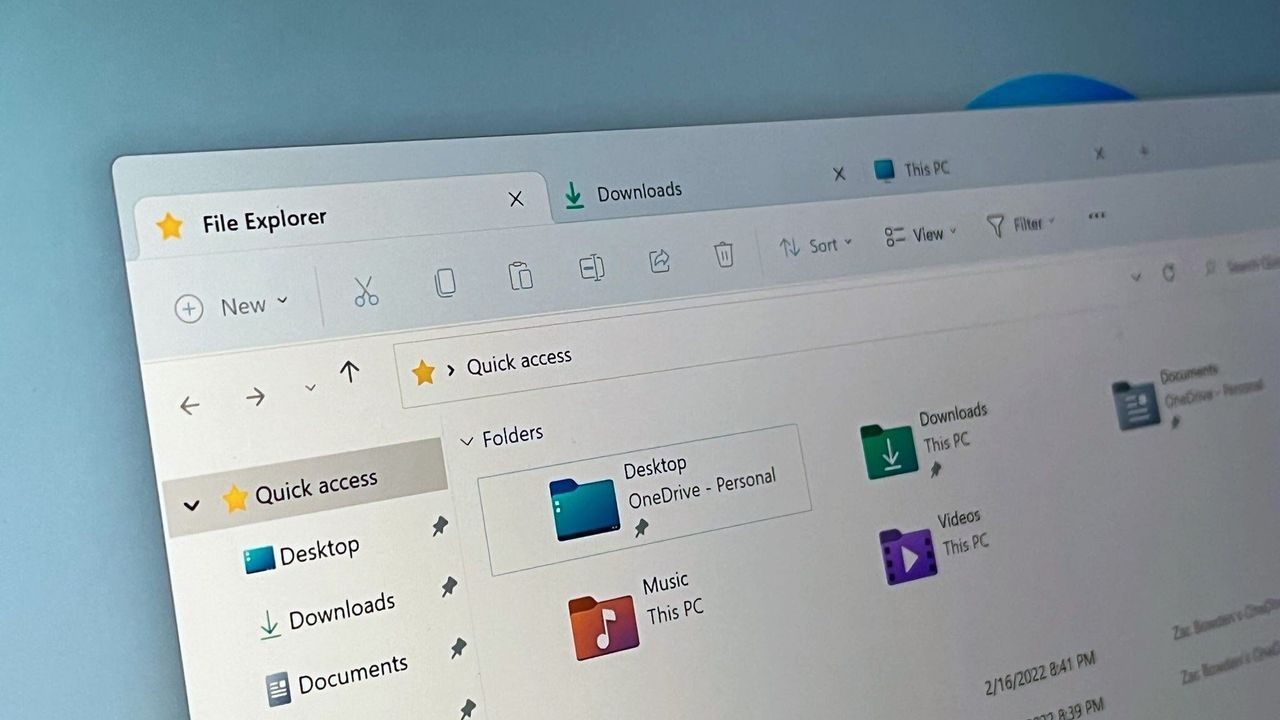
The Impossible Task: Why Fixing Windows is a Nightmare for Billions of Users
For billions around the globe, Windows isn’t just an operating system; it’s the foundation of modern computing. Yet, the act of improving it is often an impossible task. Operating for decades, Microsoft has navigated the tricky path of backward compatibility, but this very strength—valuing legacy software—has become a double-edged sword when it comes to introducing necessary changes.
The core tension lies in the continuous evolution of the interface. While updates promise modernization, they frequently clash with user expectations. People adapt, but they often dislike the changes, demonstrating that the journey from stability to innovation is fraught with friction. Whether a shift in design is welcomed or resented depends entirely on where a user sits on the spectrum of preference.
When major changes arrive, such as overhauling the Start menu or redesigning the taskbar, the debate intensifies. The challenge for developers isn’t just creating a new feature; it’s managing the vast, diverse user base that already has deeply ingrained habits. As one user noted, unifying the look of Windows should have been a priority for decades, underscoring the desire for aesthetic coherence.
This friction is why Microsoft faces a difficult dilemma. Users are split: some embrace the push for a modern, polished interface, while others prioritize stability and the familiarity of existing layouts. A recent poll reflecting this divide revealed that a significant portion of users feel that some tweaks are great, but others feel like changes made simply for the sake of change. Furthermore, nearly thirty percent of participants expressed a desire for consistency, whether that meant retaining legacy options or leaving established features untouched.
The outcome of this split highlights a critical truth: Microsoft cannot please everyone. As one commenter pointed out, whatever changes are made will inevitably disappoint someone—the legacy user versus the newest app enthusiast. This tension forces the company to confront the often-unspoken reality of change management: it requires significant effort and careful consideration.
How should Microsoft proceed? One path involves incremental updates, shipping small improvements every few months, which offers quick gains but risks jarring the user experience with constant, minor shifts. Another approach is to lean into the “if it ain’t broke, don’t fix it” philosophy, focusing on underlying security and performance without altering the user interface.
A third, more nuanced path involves giving users control. Some suggest adding an explicit option—a simple toggle—allowing users to choose whether they want to adopt new features and interfaces, offering a safe middle ground between innovation and familiarity.
Ultimately, the discussion surrounding Windows is about balancing innovation with respect for the user’s established experience. Whether the next evolution of the operating system leads toward a fully modernized look or a steadfast commitment to stability remains a highly debated topic for PC users everywhere.
Credit
