Windows 11 lag: Why UI fixes fail against slow apps
The quest for a perfect operating system is an ongoing marathon, and Microsoft is clearly putting in the work on Windows 11. This past week, the company shifted its focus, rolling out refinements to the user experience through updates to context menus and a revamp of the long-standing AutoPlay dialog box.
While these surface-level improvements are welcome polishes, the true challenge facing Microsoft isn’t just about aesthetic tweaks; it’s about ensuring that the foundation truly delivers a seamless experience. The debate continues: should the next major evolution be Windows 12, or should the priority remain fixing the current experience?
The focus must extend beyond the operating system itself. A beautiful, snappy version of Windows 11 means very little if the core applications running on it are sluggish. If a user logs into a system that feels zippy, but Microsoft Teams takes an agonizingly long time to load, the overall satisfaction plummets. The operating system can be flawless, but the ecosystem of applications must match that quality.
This brings us to the deeper, more critical issue: the state of Microsoft’s application strategy. For years, Microsoft has heavily invested in web-based solutions, a decision that has created a performance gap. The goal now is to course-correct and lead by example by making the best native Windows applications possible.
To drive this change, Microsoft is assembling a dedicated team, led by developers like Rudy Huyn, whose mission is to champion the creation of 100 percent native Windows apps and experiences. This effort aims to address the fundamental architectural decisions that have shaped the software landscape.
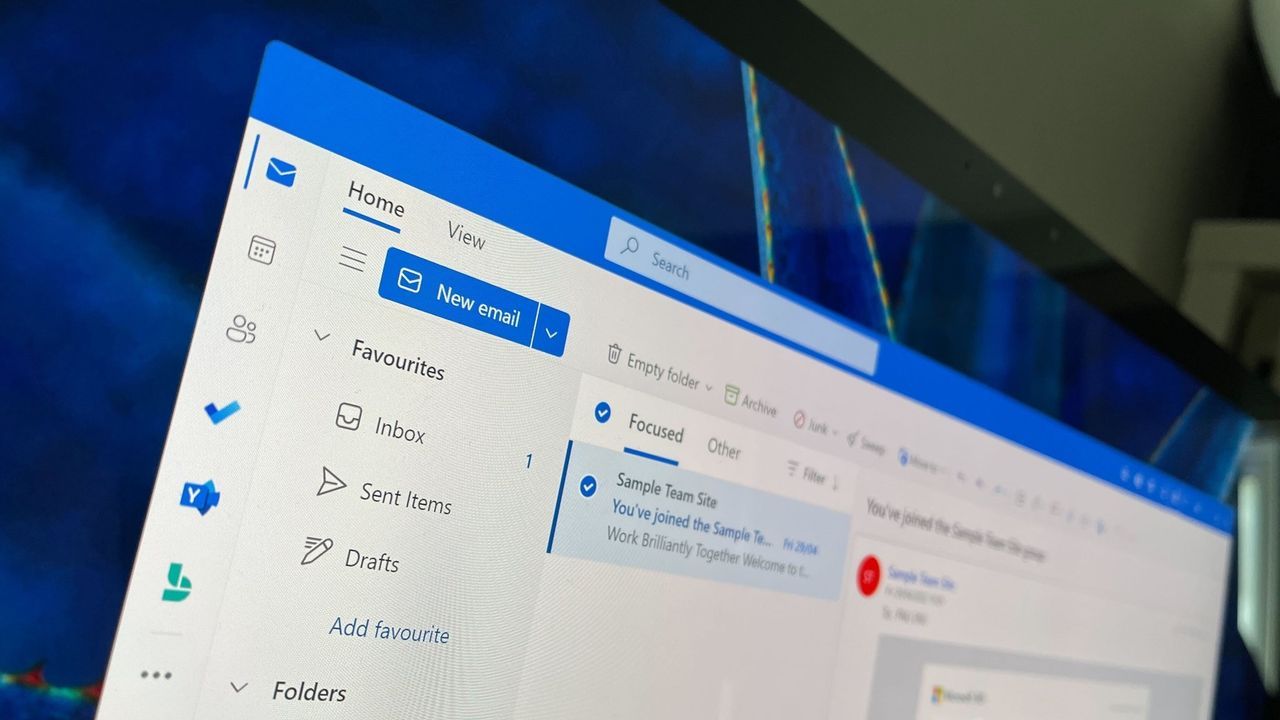
The real test for this new initiative lies in the scope. Will this team successfully tackle the most widely used applications, such as Outlook or Microsoft Teams, bringing them to native performance? If the focus remains narrowly on in-box applications, there is a risk that critical, heavily used programs—like Photos or OneDrive—could remain frustratingly slow web applications, leaving the user experience fundamentally incomplete.
Ultimately, delivering a superior Windows experience requires more than just polishing the desktop; it requires a holistic commitment to making every piece of software native, fast, and integrated. The journey to a truly refined Windows environment is one of architecture, development, and a determined push toward native excellence.
Buy on Amazon
Credit
