
Windows 11 update boosts reliability for low memory PCs
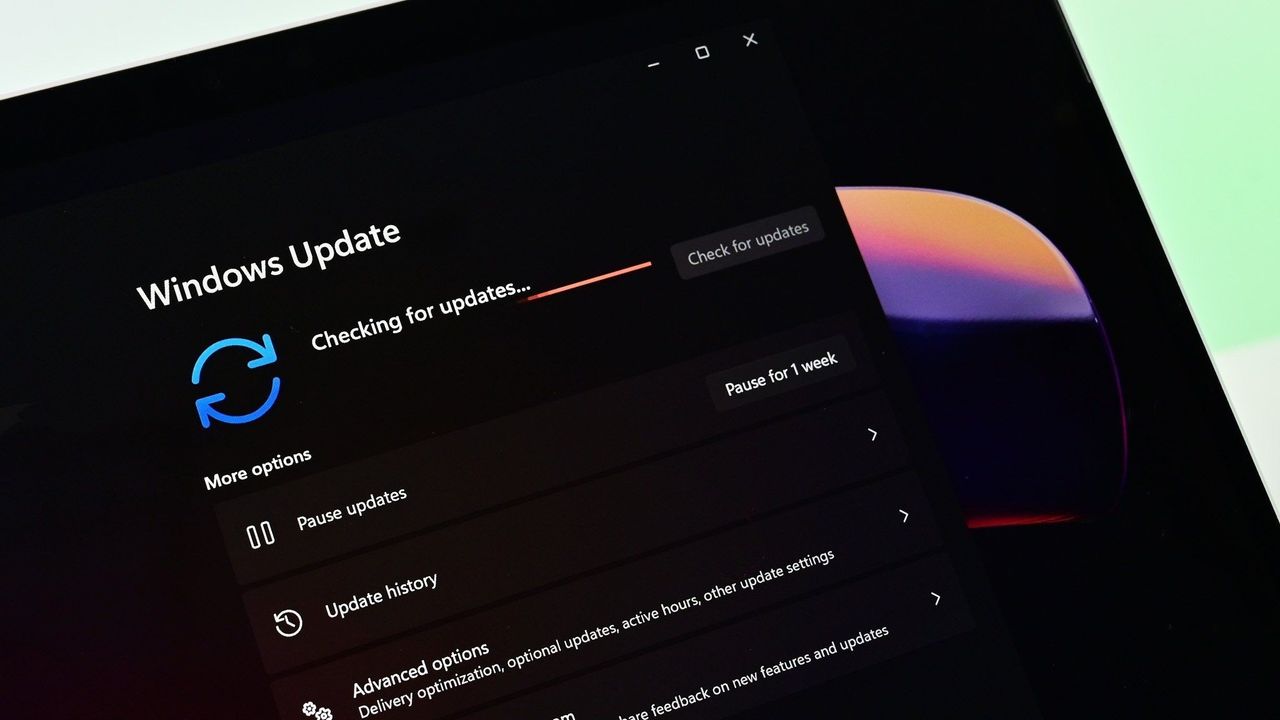
Microsoft is continuing its quest to refine Windows 11, rolling out a series of updates designed to deliver tangible quality-of-life improvements focused squarely on performance and system reliability. These recent patches, spanning versions 24H2, 25H2, and 26H1, are more than just incremental fixes; they are targeted upgrades that make the operating system feel noticeably snappier and more dependable for every user.
At the heart of these improvements is a deep focus on underlying reliability, addressing the subtle frustrations that often slow down the daily experience. For instance, users running Windows 11 versions 24H2 and 25H2 are benefiting from the KB5101684 update, which focuses heavily on streamlining essential operations. This includes significant reliability upgrades for explorer.exe, meaning interactions like opening Jump Lists, accessing recent files, sharing folders, and utilizing Task View across multiple desktops will now happen with greater speed.
The focus extends beyond file management. Microsoft has fine-tuned the experience of core system interfaces to ensure a smoother startup and interaction flow. The update enhances the reliability of the Windows lock screen and sign-in screen, making these critical moments more responsive—especially on systems with limited system memory available. Furthermore, startup reliability upgrades have been implemented for both the Start menu and the Taskbar, ensuring that these familiar components appear quicker when your PC powers up.
One of the most satisfying aspects of this rollout is how the updates manage performance overhead. The changes simplify the post-update process, minimizing the resource-intensive cleanup phase that previously bogged down certain systems immediately after an installation. This means a faster, more immediate experience for users right out of the box.
These reliability enhancements are comprehensive, touching many facets of the Windows experience. Beyond speed boosts to file handling, the update also improves app search functionality to better handle typos and partial names, ensuring you can find installed applications effortlessly. Other quality-of-life improvements included refinements to File Explorer, Windows Hello, Windows Search, and system sounds, adding layers of polished detail.
Microsoft has consistently demonstrated a commitment to making Windows 11 work beautifully on a wide range of hardware. Their ongoing efforts reflect a dedication to fixing the core performance bottlenecks that can affect users, particularly those operating with systems like 8GB of RAM. These continuous optimizations show that Microsoft is actively addressing the long-term goals of providing a genuinely better and more responsive computing environment for everyone.
Buy on Amazon
Credit

