Windows update breaks rainbow gaming
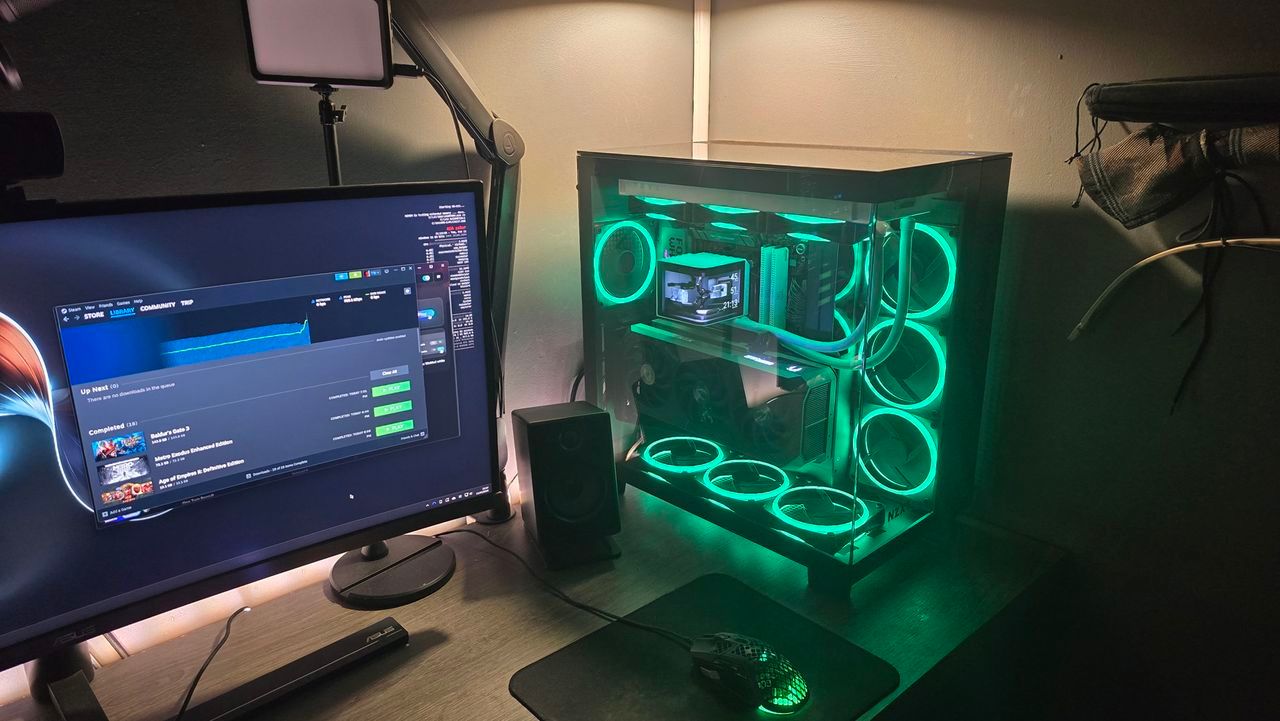
There is a fine line between pure gaming bliss and system stability, and lately, that line has been thoroughly blurred by a recent Windows update. While we often celebrate new features, some users have found themselves wrestling with frustrating crashes, especially when diving into demanding multiplayer experiences. This recent chaos involved games like Arc Raiders, Marvel Tōkon: Fighting Souls, and The Finals, all suffering from unresponsiveness shortly after the release of update KB5121003.
When the trouble erupted, the developers of some of these titles quickly pointed fingers at a specific driver, inpoutx64.sys, suggesting it was the source of the instability. This theory was quickly validated, as Microsoft also began to investigate the link between the driver, the games, and the system update.
However, the investigation quickly expanded beyond just a faulty driver. Microsoft’s ongoing analysis revealed a deeper connection, pointing toward the fascinating intersection of hardware aesthetics and system performance. The investigation concluded that the issue was likely triggered by peripherals or internal device components that feature RGB lighting capabilities.
These components, which install drivers or code elements similar to inpoutx64.sys, create a conflict when launching specific games. Essentially, the beauty of your setup—the vibrant RGB lighting—was inadvertently causing friction with the core system processes when those demanding games were launched.
To address this, Microsoft offered a specific technical workaround. Users have the option to disable the driver via the Windows Registry, a move that attempts to bypass the conflict between the game experience and the RGB components. However, this solution comes with a caveat: modifying the registry carries inherent risks, potentially destabilizing the entire PC if handled improperly.
For those who choose to navigate this path, caution is paramount. The process involves accessing the Registry Editor and modifying a specific setting. It is crucial to back up the entire registry before making any changes, ensuring you have a safety net should things go awry.
Ultimately, the incident serves as a reminder that in the world of high-performance computing, the pursuit of visual flair must always be balanced against the demand for flawless functionality. Whether you choose to tinker with system settings or opt for a rollback to a previous update, the choice remains yours: prioritize the performance of your game, or the glow of your hardware.
Buy on Amazon
Credit