
PC safeguards RTX 5090 power with real-time monitoring and shutdown
Owning one of the latest high-end NVIDIA graphics cards is exciting, but for many enthusiasts, it comes bundled with a simmering dose of anxiety. The source of this worry? The power connector itself. High-density connections, specifically the 12+4-pin plug that delivers power to these powerful GPUs, have been flagged as potentially unreliable due to an extremely minimal safety margin.
This issue isn’t just theoretical; it taps into a real fear among owners of premium hardware: the possibility of thermal or electrical failure. As graphics cards push performance boundaries, the reliability of their power delivery system becomes a critical, often overlooked, concern for those investing in expensive components.
Frustrated by existing safety measures—like the warnings provided by ASUS‘s own software—some users decided to take matters into their own hands. They dove into the open-source world and developed a clever solution: a free utility designed to act as an extra layer of protection for their valuable hardware.
This tool, ironically named 12VHPWR Guard, doesn’t rely on new hardware standards. Instead, it focuses directly on the potential failure points in the power delivery system itself. It monitors the current draw across the power pins of supported cards, looking for anomalies that could indicate an unstable connection or excessive load.
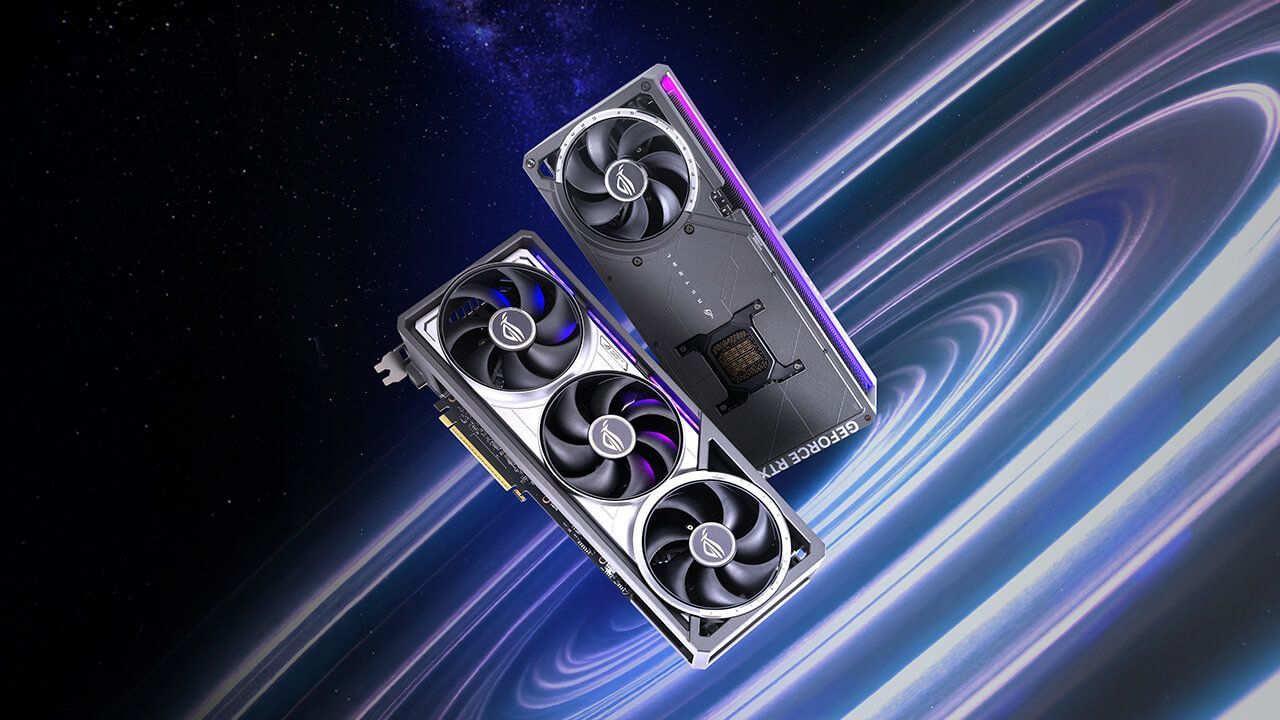
The utility is specifically designed to protect certain models, primarily the ASUS ROG Astral GeForce RTX 5080 and RTX 5090, which utilize the updated 12V-2×6 connector. While some might assume this only applies to specific cards, the tool cleverly uses internal sensors on these systems, making it an effective safeguard.
How does it work? The application is surprisingly lightweight. It requires minimal system resources and simply polls the card’s I2C bus for current values twice every second. By setting a strict threshold—for instance, flagging power draw over 9.5 amps for fifteen seconds—the tool can take decisive action. If that critical limit is breached, it abruptly shuts down the entire system, forcing a safe halt to prevent potential damage.
Beyond just watching the power flow, the application offers sophisticated monitoring features. It supports HWiNFO-based shared memory tracking if direct I2C access encounters an issue, and it provides detailed logging via Windows Event Viewer. This level of detail shows that developers prioritized not just a simple shutoff switch, but comprehensive health monitoring.
The true takeaway is a stark reminder about the cost of innovation. Graphics cards are among the most expensive components on the market, costing hundreds or even thousands of dollars. While some blame user error when failures occur, evidence suggests that issues with these connectors can arise independent of user action, highlighting how razor-thin the safety margins truly are in cutting-edge hardware design.
For owners of supported cards, this free utility offers peace of mind. It’s a testament to the community spirit—a simple program created by an enthusiast to ensure that even the most powerful components operate safely and reliably under heavy load.
Buy on Amazon
Credit

