
Windows 11 forces you to use PINs and biometrics
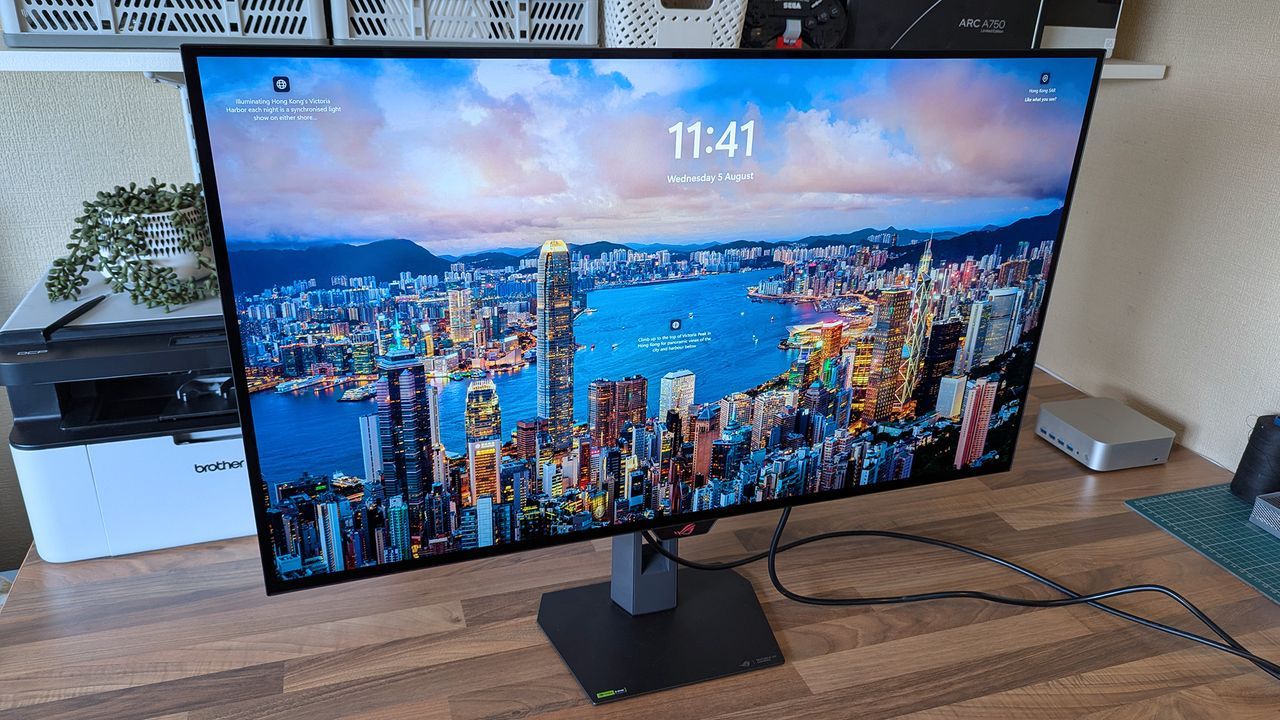
The way we unlock our computers is undergoing a significant transformation. Microsoft is actively pushing users toward more robust security measures in Windows 11, and this evolution means that the playful world of picture passwords is officially stepping down from the login scene.
A recent update to Windows 11 has removed the option to set up a new picture password. While existing users with these features can continue to use them for sign-in, Microsoft is phasing out this method in favor of methods that offer stronger protection against unauthorized access.
For years, Windows had offered a fun alternative through the Windows 8 era: picture passwords. These simple unlock mechanisms allowed users to employ gestures—such as tapping shapes or swiping across faces—to gain access. It was a charming nod to the touch-centric design of the operating system.
However, this novelty came with significant security trade-offs. Because these methods relied on gesture recognition or touching objects on the screen, they were not inherently secure. Security researchers have highlighted that picture passwords introduce potential vulnerabilities, as hackers could potentially deduce the required gestures or guess where a user frequently touches the screen.
As technology advances and security awareness grows, the industry is focusing on stronger authentication methods. Microsoft strongly recommends relying on more secure alternatives for logging into Windows 11, including PINs, facial recognition, or fingerprint recognition where available.
Even more advanced authentication is often pointed toward passkeys, which represent the future of digital security by offering highly secure, cryptographic login options. While passkeys are the top recommendation from Microsoft for general authentication, they currently cannot be used to log in directly to a Windows 11 PC in the same way traditional passwords function.
For those who have already configured a picture password, you can continue to use it. However, when managing your security settings, it is important to understand that once a picture password is removed or disabled, the option cannot be re-established. It is time for users to embrace the newer, more secure methods as they roll out across the platform.
Buy on Amazon
Credit

