
Restore Windows 10 style menu layouts in Windows 11
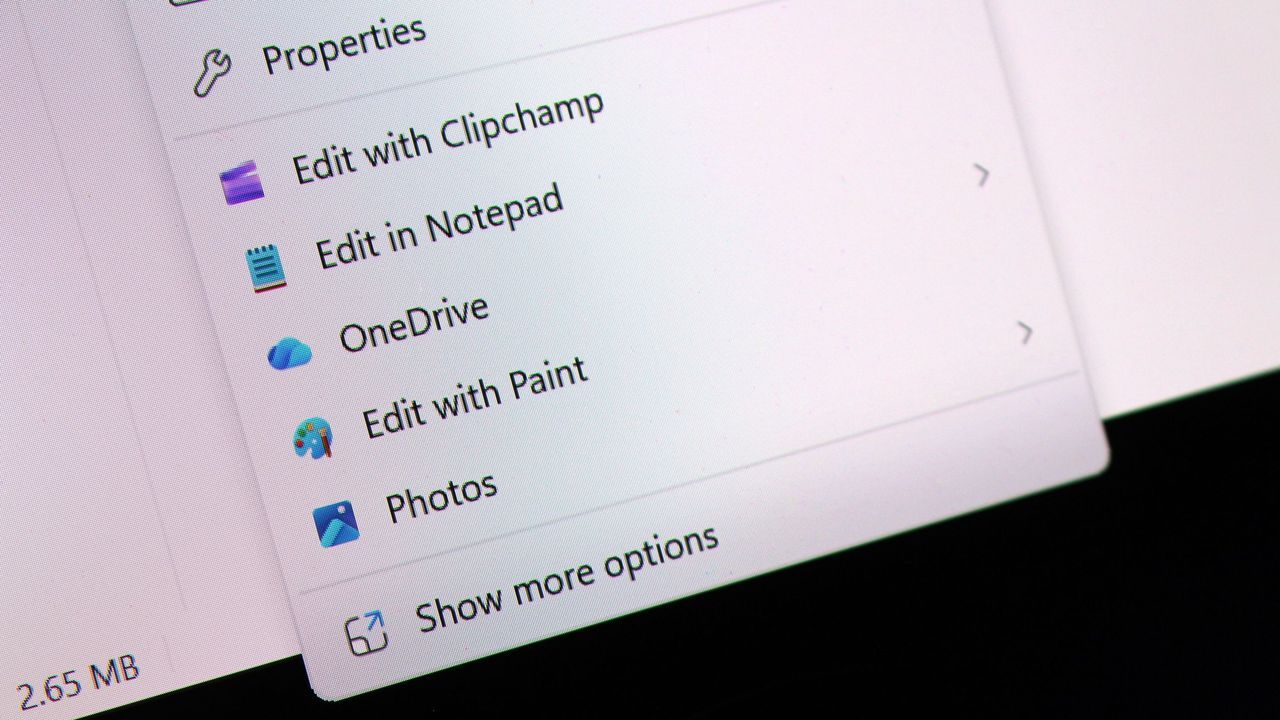
If you’ve ever spent a moment navigating the context menu in Windows 11, you know it can feel like wading through unnecessary digital clutter. But good news for efficiency enthusiasts: Microsoft is finally listening, and they are ready to overhaul this core UI element to make it faster, smarter, and completely yours.
A major redesign is underway for the context menu system in Windows 11, focusing on performance and deep customization. We are now getting a peek behind the curtain at these exciting new features, which are already visible in the latest preview builds.
The centerpiece of this update is a powerful new customization hub. Users will soon have access to an option directly within the context menu that takes them straight into the Windows Settings app. There, they can configure exactly how actions appear and what actions are available, giving complete control over their workflow.
This customization lets users fine-tune the layout and functionality of the menu with a range of powerful toggles. For example, users can choose to hide seldom-used actions like Send to, Print>, or App extensions, immediately streamlining the experience.
Perhaps the most impactful change involves the arrangement of primary actions. By default, these actions appear in a horizontal format at the top of the menu. However, the new system introduces an option that allows users to switch this layout to the familiar vertical arrangement seen in Windows 10 and older versions. This simple switch offers significant ergonomic benefits for power users.
Furthermore, Microsoft is addressing how common actions like cut, copy, and paste are presented. Users will have the ability to dictate whether these standard operations appear horizontally or vertically within the menu, offering flexibility that directly addresses long-standing UI feedback.
To ensure maximum speed by default, the system is also designed to be lean. Most context menu actions will automatically be disabled when the update rolls out. This means the menu starts fast and clean, allowing users to consciously choose exactly which tools they want immediately, rather than being presented with a cluttered default.
While this focuses on the new customizable options, the legacy Windows context menu remains available. Although it won’t be the default experience moving forward, you still have the option to enable it if you prefer that familiar look for certain tasks.
This initiative signals a major shift in Microsoft’s approach to user interface refinement, proving that even deeply embedded elements like the context menu are ripe for thoughtful improvement. With these enhanced features imminent, we can expect the full customization experience to roll out very soon.
Buy on Amazon
Credit

